
Solutions · Track and Trace
Track item movement at key points.
See when tagged goods pass agreed checkpoints, then confirm each movement before updating your system.
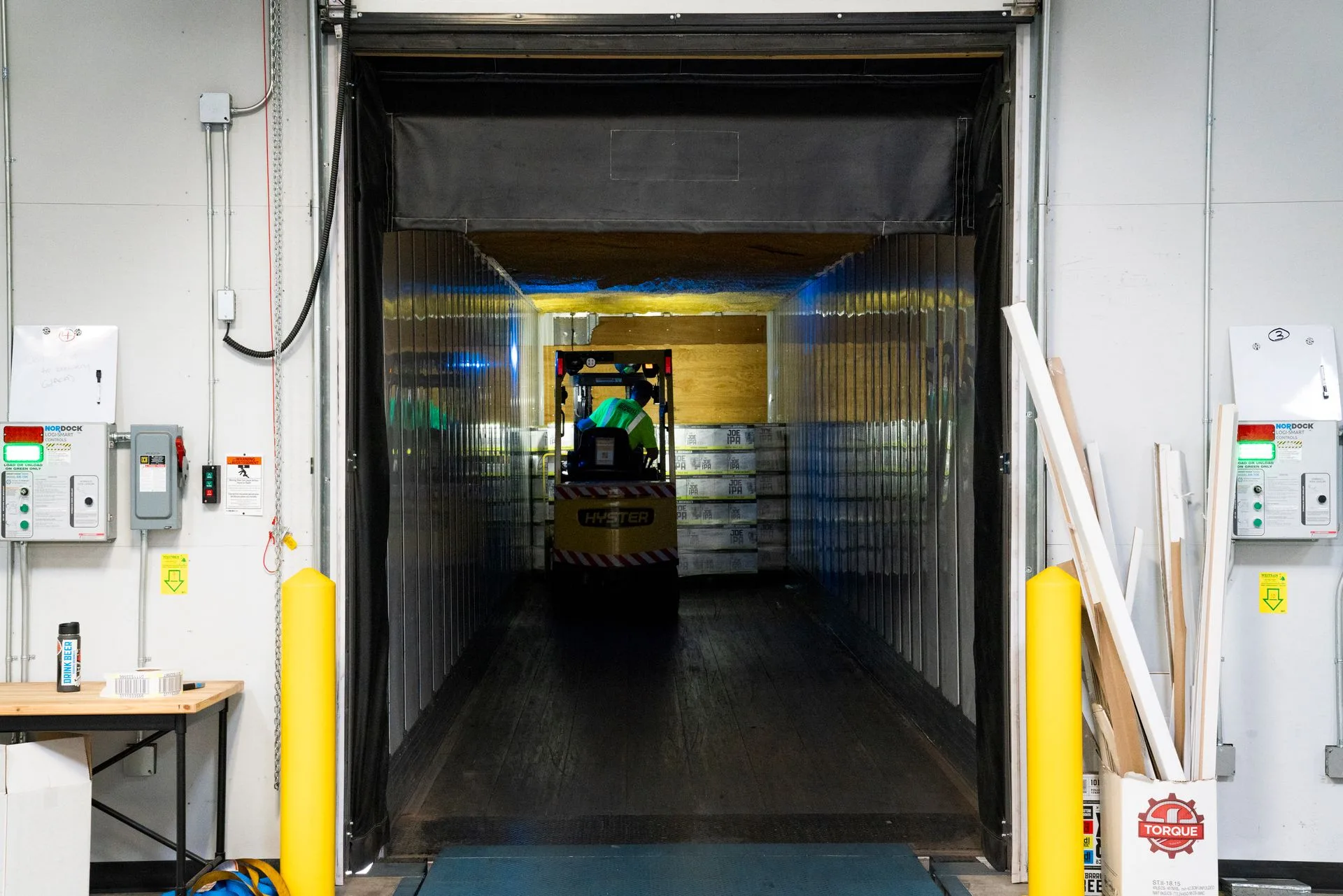
The everyday gaps
Goods move. The record often does not.
A pallet leaves through the wrong door, a cage never comes back, a customer says the delivery was short. Without a record of each movement, every question is answered by searching.
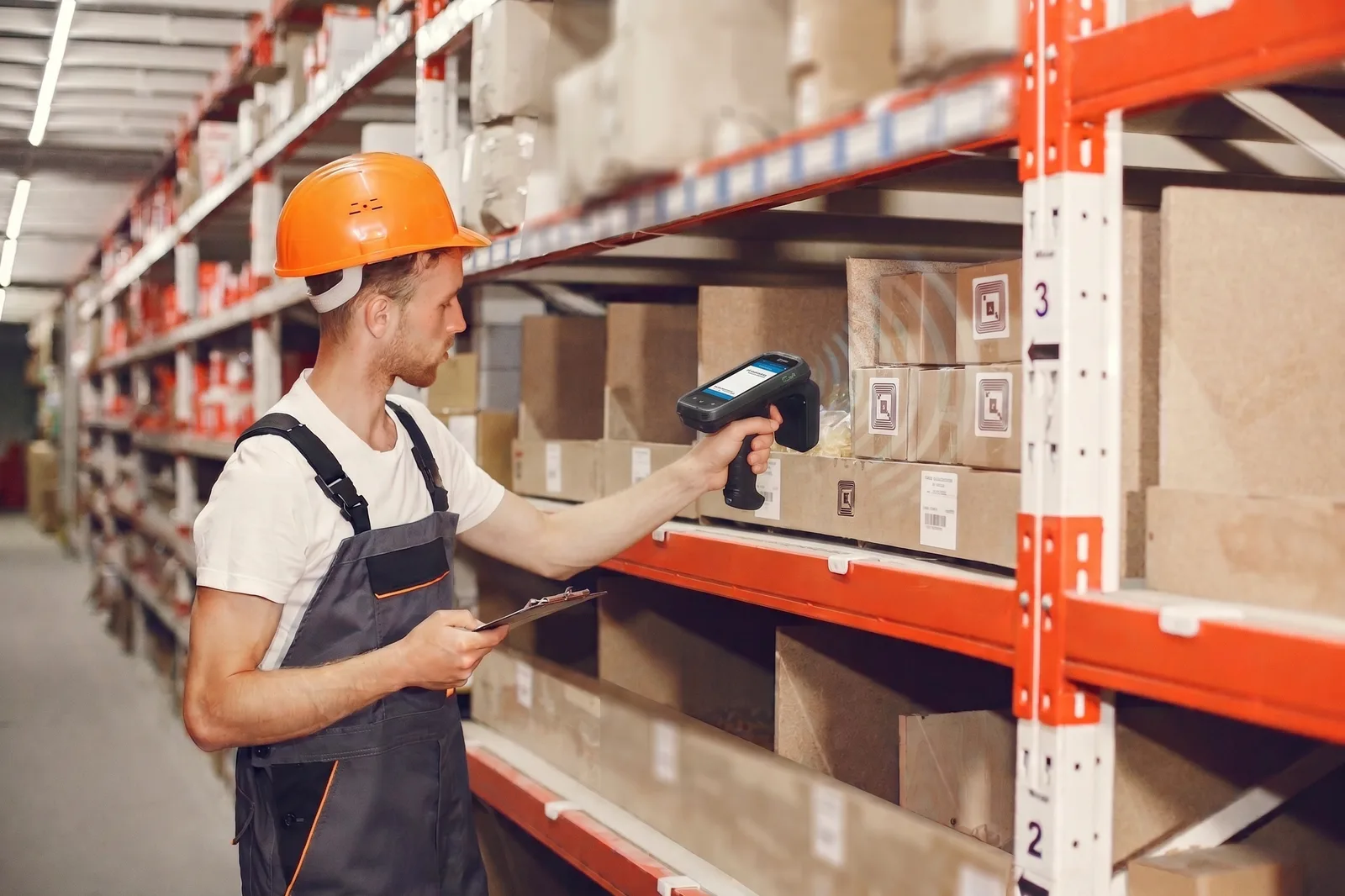 Shipped: 12 · Recorded: 10
Shipments no one can prove
When a customer disputes a delivery, there is no time-stamped record of what left and through which door.
Returnables that disappear
Cages, pallets and linen go out and do not come back, and no one knows where they stopped.
Wrong door, wrong truck
Goods are loaded onto the wrong vehicle and the error is found by the customer.
Scanning that slows the flow
Staff stop to scan each carton at every checkpoint, so busy doors queue up.
Used across industries.
Track and Trace in Warehouse
 in


The gate reads the shirt's carton and pallet; the forklift reader and Wirepas follow it to its rack.
Goods receipt GR-2611-014 screen: an Oxford shirt (blue, M, tag …3F21) in carton CT-0412-07 on pallet PL-0412; read at the Dock 1 RFID gate (12/12), on forklift FL-01 in its Wirepas zone, set down at rack B1-01, slot confirmed by the rack label scan. Illustrative figures.
The handheld reads the shirt as it is picked; the dock gate reads it onto the truck.
Delivery note SJ-2611-031 screen: the same shirt picked from its rack (handheld), staged on the pallet for TRK-01, read onto TRK-01 at the Dock 1 gate (10/10); loaded, not left; GPS follows when it leaves. Illustrative figures.
Every read of the shirt, from the dock to the truck, through DERAS.
Overview: the shirt's journey in the warehouse, GR-2611-014 to SJ-2611-031, every read with its device and time, ending on TRK-01 at Dock 1. Illustrative figures.
Technology
UHF RFID gate
Technology
RFID dock gateGPS
Technology
All through DERAS
Example flow and illustrative screens. Capture points, technology and integration are confirmed per project after assessment.
Track and Trace in Retail
in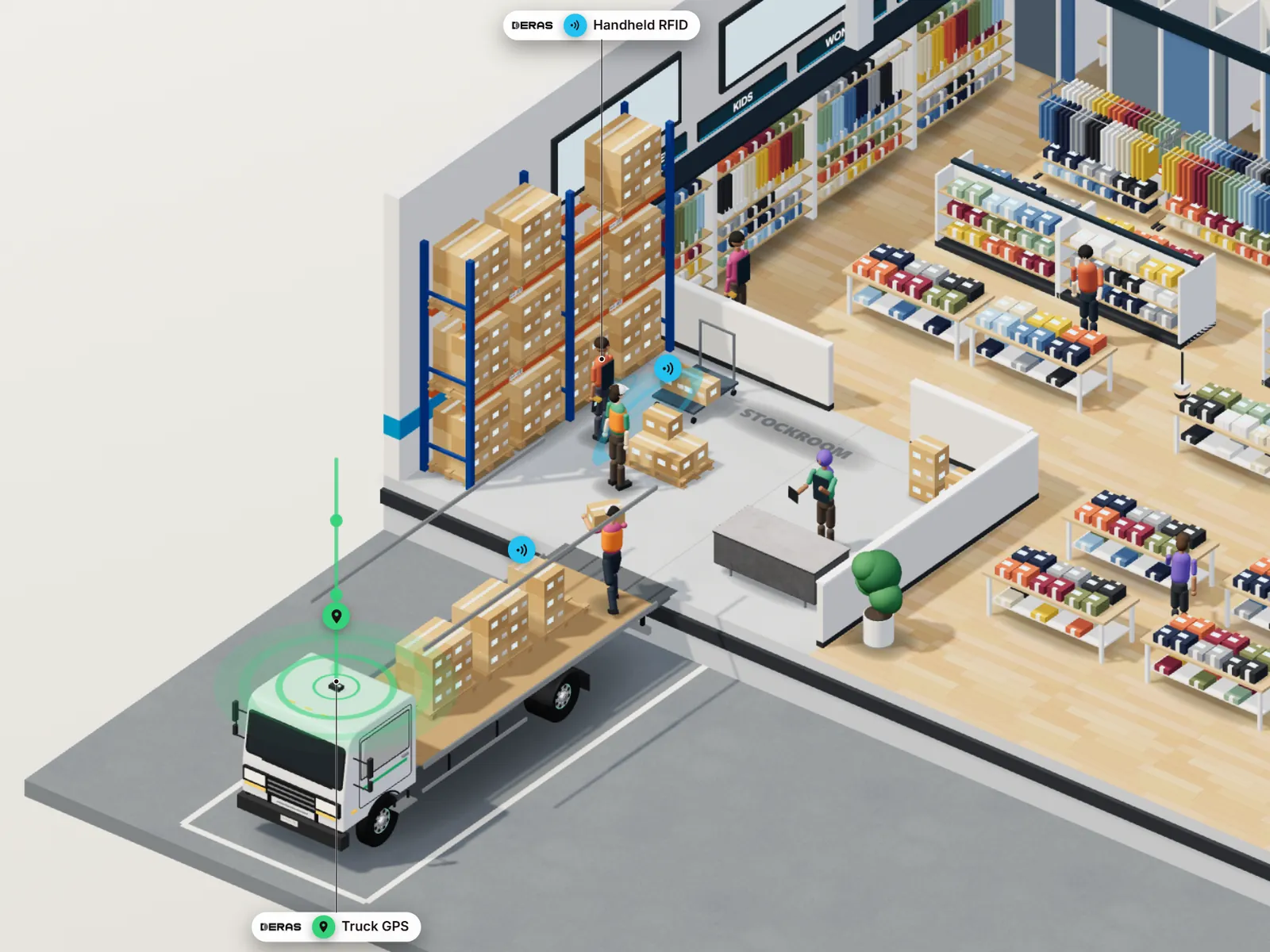
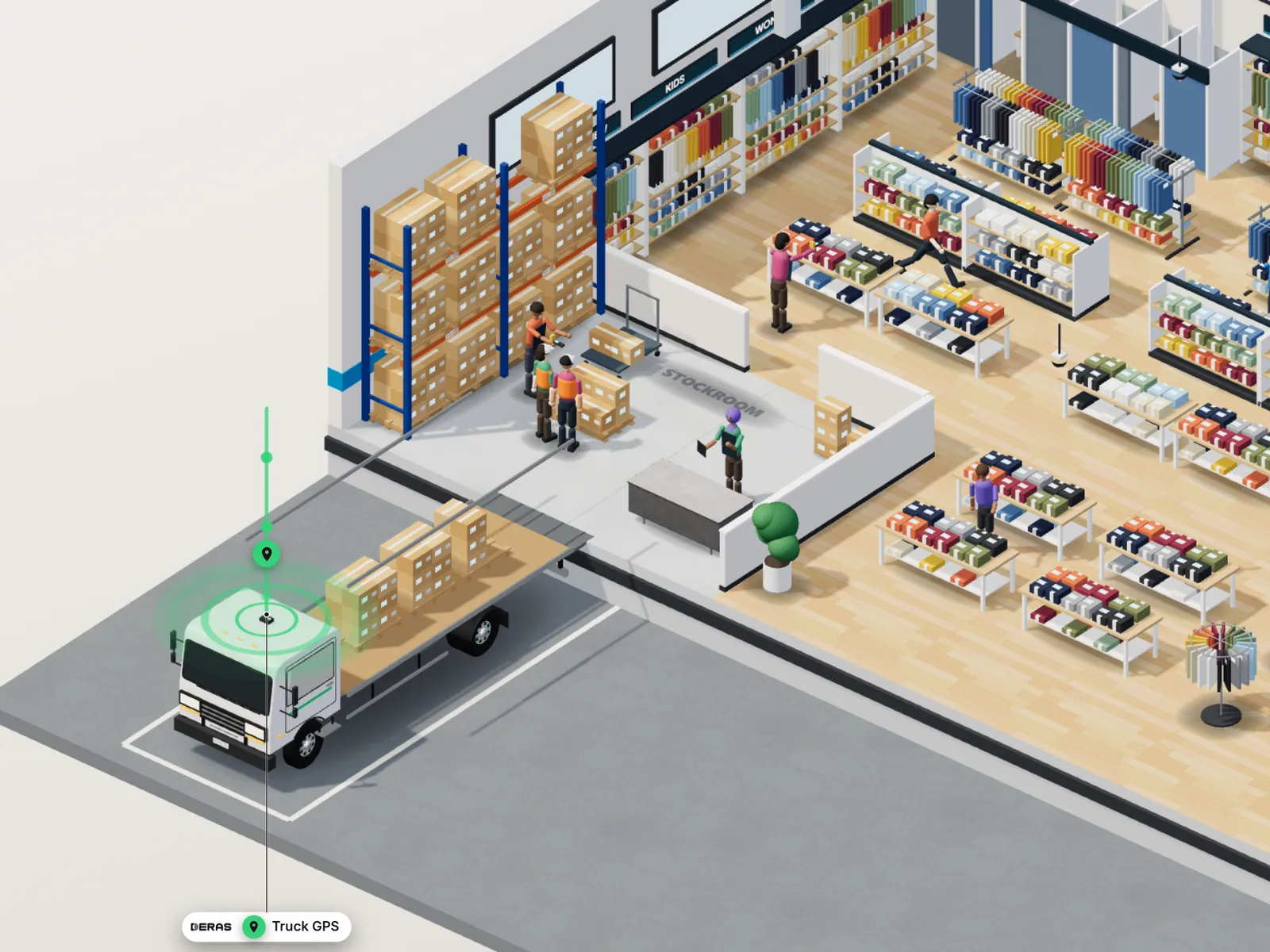
Each carton read is matched to the ASN, so the delivery note closes and stock goes up.
Receive goods screen, ASN-2611-118: GPS announces the truck; the RFID handheld reads 12 of 12 cartons against the ASN; the delivery note closes and stock goes up. Illustrative figures.
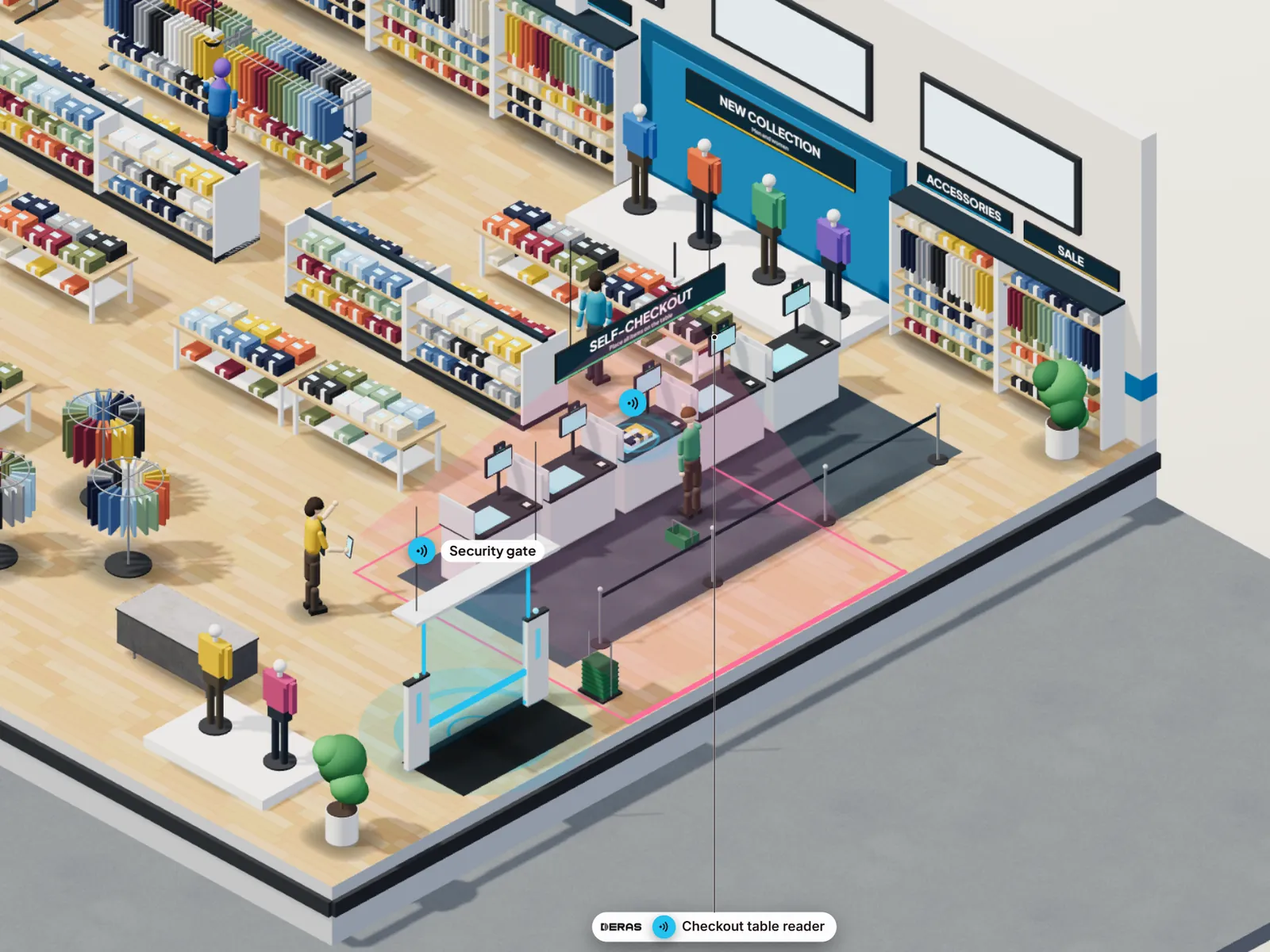
The table reads every hang tag and the gate checks payment, so nothing leaves unpaid.
Self-checkout kiosk: it starts empty ("place your items on the table"); each garment appears as it lands on the RFID table, with its price (dummy figures); the customer pays by phone and the door gate confirms every item is paid. Illustrative figures.
The request is built from sales, so stock arrives before the shelf is empty.
Replenish screen: request REQ-2611-044 built from sales for 3 low items; GPS follows the delivery truck. Illustrative figures.
Technology
RFID handheldGPS
Technology
RFID tableRFID security gate
Technology
RFID handheldGPS
Example flow and illustrative screens. Capture points, technology and integration are confirmed per project after assessment.
Track and Trace in Manufacturing
in


Each roll read is ticked off its PO line, so shortages show.
Receiving screen, PO-2611-007: the RFID handheld reads each roll as the truck unloads; 20 of 20 rolls on their PO lines. Illustrative figures.
Each hang tag is a record linked to its carton; the printer unlocks for staff only.
Packing screen: 24 RFID hang tags printed and linked to 2 cartons; the printer unlocks after a face check. Illustrative figures.
The gate checks every carton against the delivery note; then GPS follows the truck.
Dispatch screen, DN-2611-052: the gate reads 24 cartons, matching the delivery note; GPS follows truck TRK-07. Illustrative figures.
Technology
RFID handheldBarcode
Technology
RFID printerBarcodeFace recognition
Technology
RFID gateGPS
Example flow and illustrative screens. Capture points, technology and integration are confirmed per project after assessment.
What it takes, stage by stage.
- 1Tag
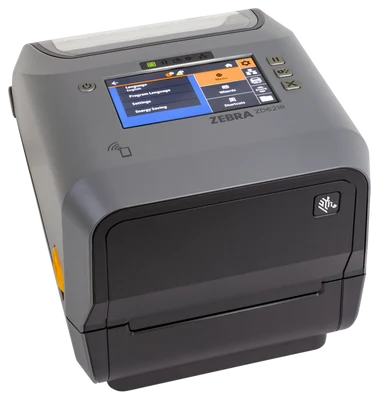 RFID label printerEvery item carries its own ID
- 2Checkpoints
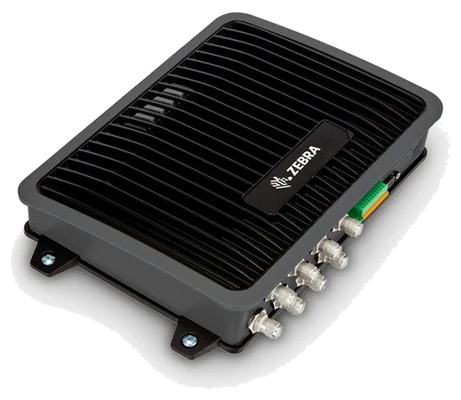 RFID gate at the doorEach pass recorded, no scanning
- 3Spot checks
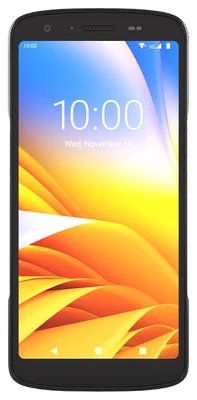 Barcode and RFID handheldAny item checked anywhere
- 4On the road
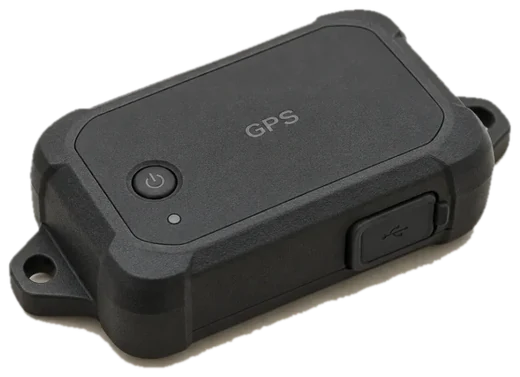 GPS trackerGoods followed between sites
- 5History
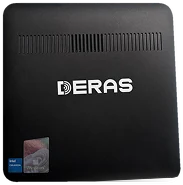 DERAS Box with the TUDI appOne movement history per item
Every stage also needs
- Network and power at the doors
- RFID labels on the goods
 DERAS, linking every stage
How a project runs
- 1Assess
Walk the doors and routes; find where movements go unrecorded.
- 2Design
Choose the checkpoint per door; barcode where it is enough.
- 3Supply & deploy
Install a gate, tag the goods and test on your real loads.
- 4Integrate
Connect through DERAS to your WMS or ERP, when you need it.
- 5Pilot & measure
Start with one door, measure against the baseline, then expand.
- 6Support
Training, tuning after go-live, ongoing support.
Next step
Start with what you need.
Discuss an operational challenge, or send the model and quantity you need.