
Solutions · Fleet Monitoring
See every vehicle, every trip.
Follow trucks on the road, review routes and stops, record arrivals at your gates, and keep a history for every tyre.
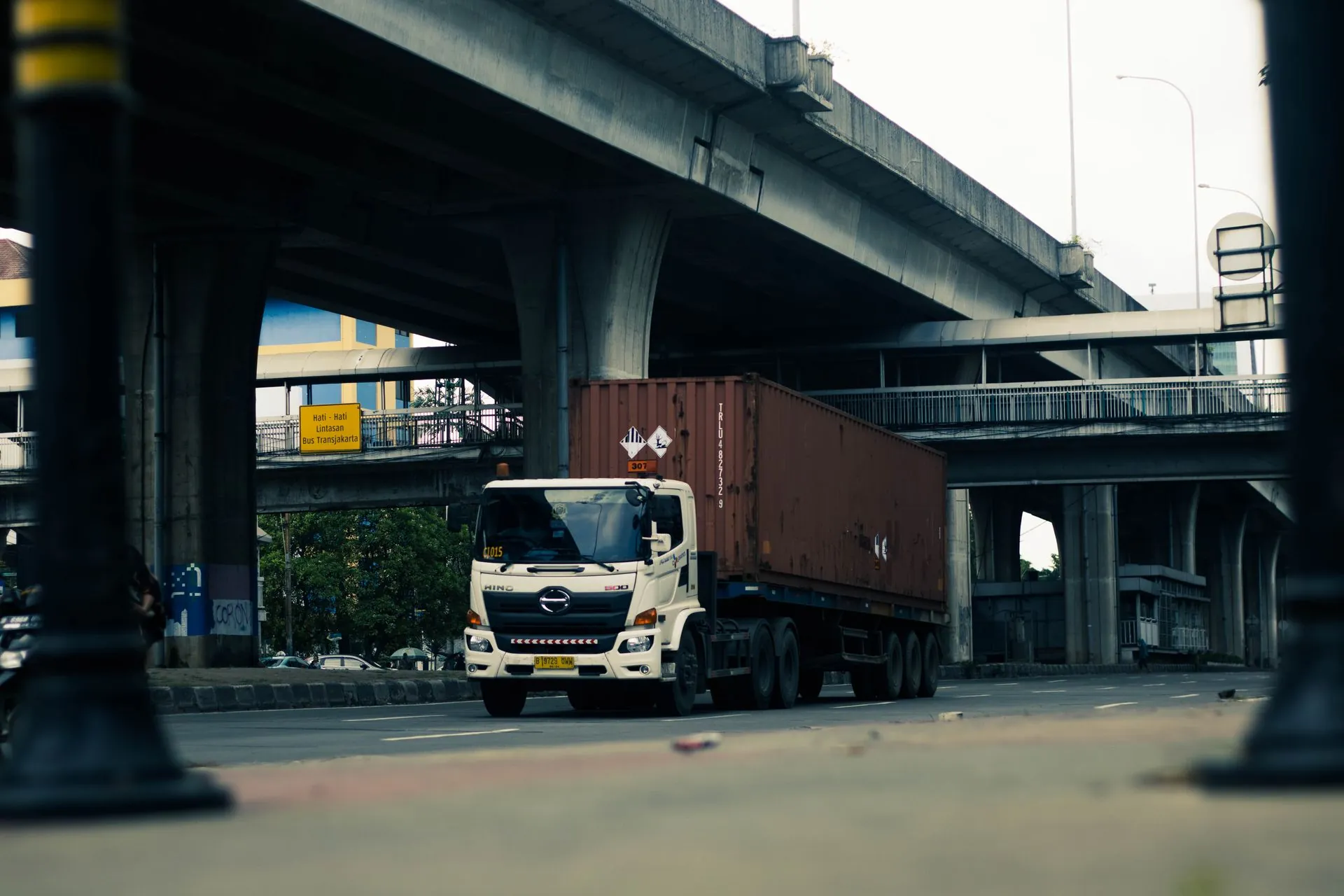
Used across industries.
One solution, set up for each operation. See how it fits your industry.
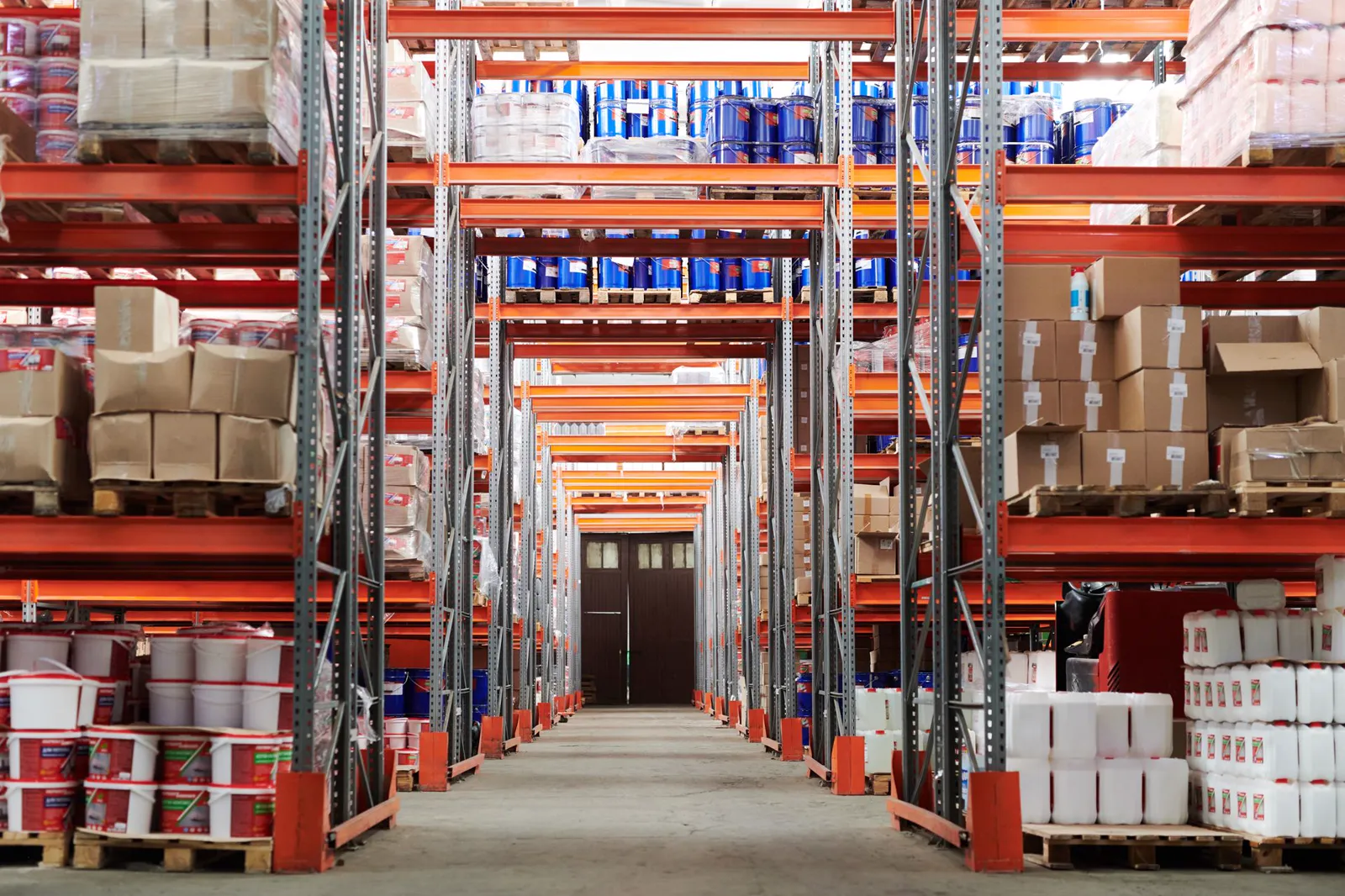
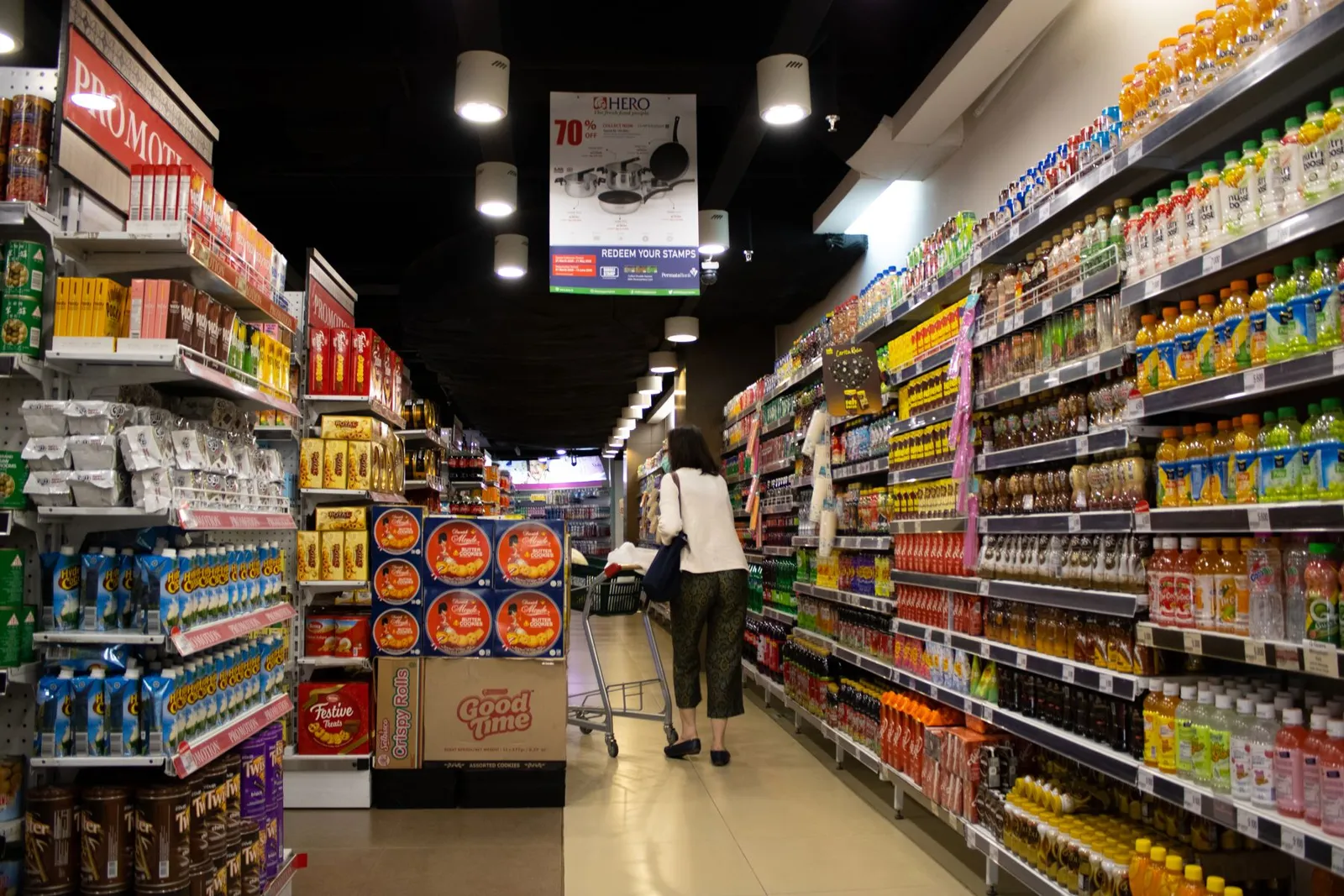
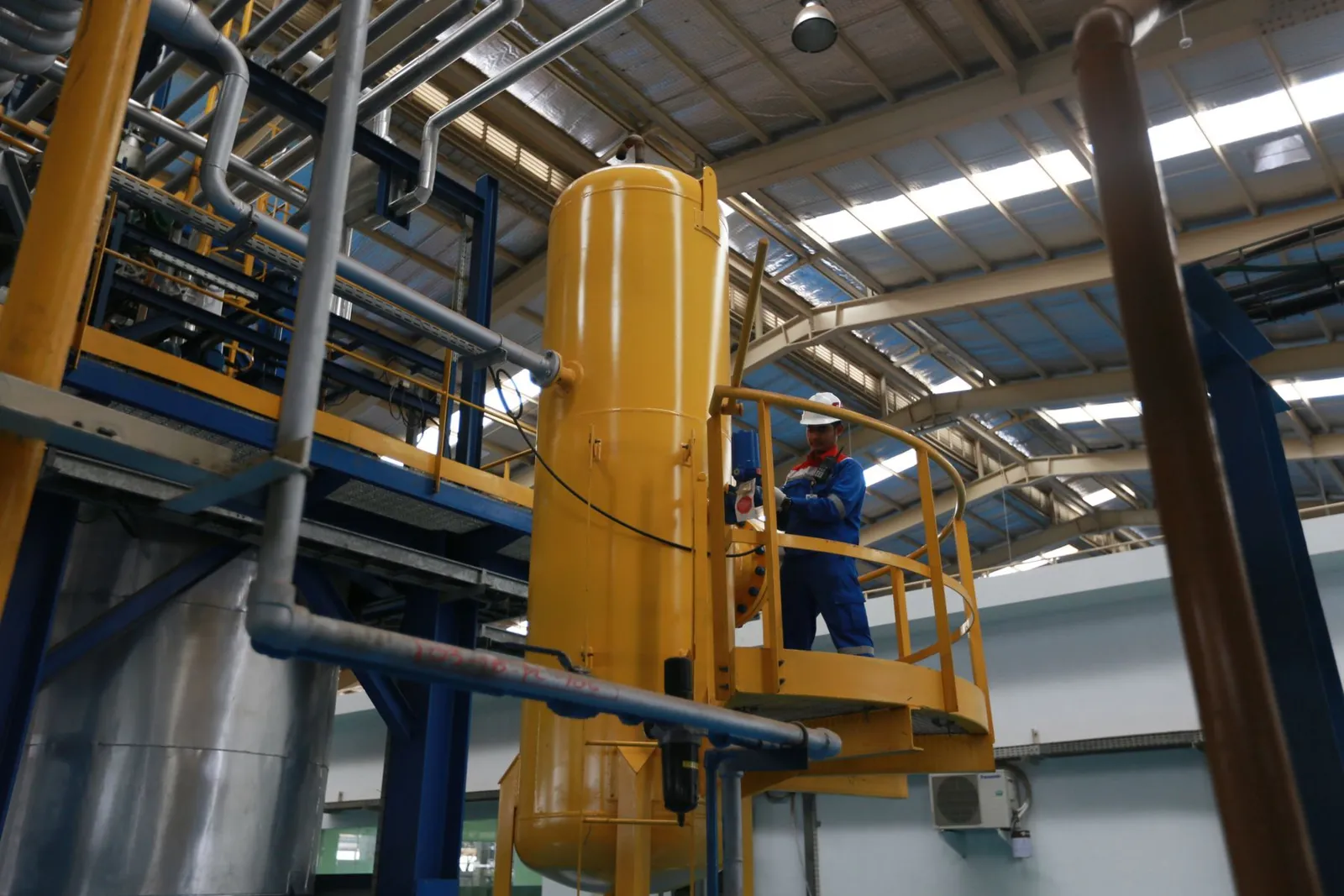
Fleet today
 Fleet today

TRK-DEMO-01 rolls up to the depot gate.
Arrival confirmed. The gate read, the route, the stop and the tyre are all on record. Illustrative figures.
Technology
GPS trackerGate RFIDTyre tags
An illustrative day: a gate read at departure, GPS on the road, a recorded stop and a tyre scan; vehicle codes, times and readings are examples.
What it takes, stage by stage.
- 1Depot gate
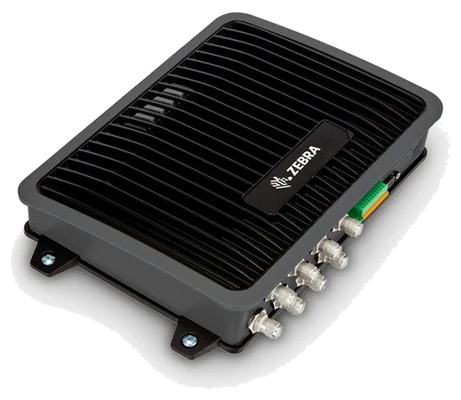 RFID reader at the gateEach departure and return recorded
- 2On the road
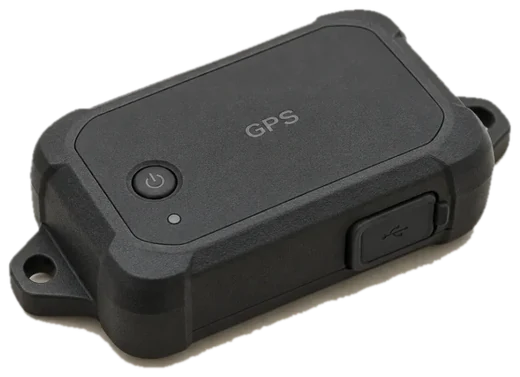 GPS trackerRoute, stops and arrival times
- 3Yard checks
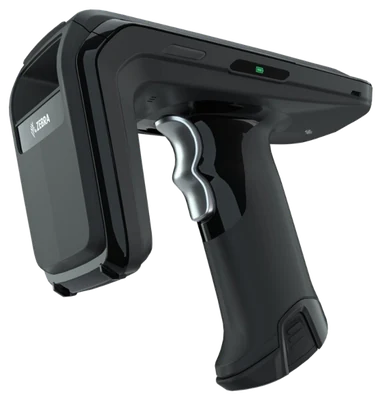 Handheld RFID readerTyres and equipment checked per vehicle
- 4History
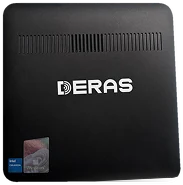 DERAS Box with the TUDI appOne trip history per vehicle
Every stage also needs
- Mobile signal along the routes
- RFID tags on vehicles and tyres
 DERAS, linking every stage
How a project runs
- 1Assess
List the vehicles and routes that matter; find where the signal drops.
- 2Design
Choose tracker power, fitting and reporting interval; add BLE sensors if needed.
- 3Supply & deploy
Fit the trackers and gate reader, tag the vehicles, test on real trips.
- 4Integrate
Send trips through DERAS to your ERP or TMS, when you need it.
- 5Pilot & measure
Start with a few vehicles; agree what staff do when a position is late.
- 6Support
Training, tuning after go-live, ongoing support.
Next step
Start with what you need.
Discuss an operational challenge with TUDI.