
Industries · Warehouse
Every movement in your warehouse, on record.
Stock that matches the shelf, receiving that can be verified and shipments that can be proven. The right technology is chosen for each step and connected through  DERAS to the systems already in use.
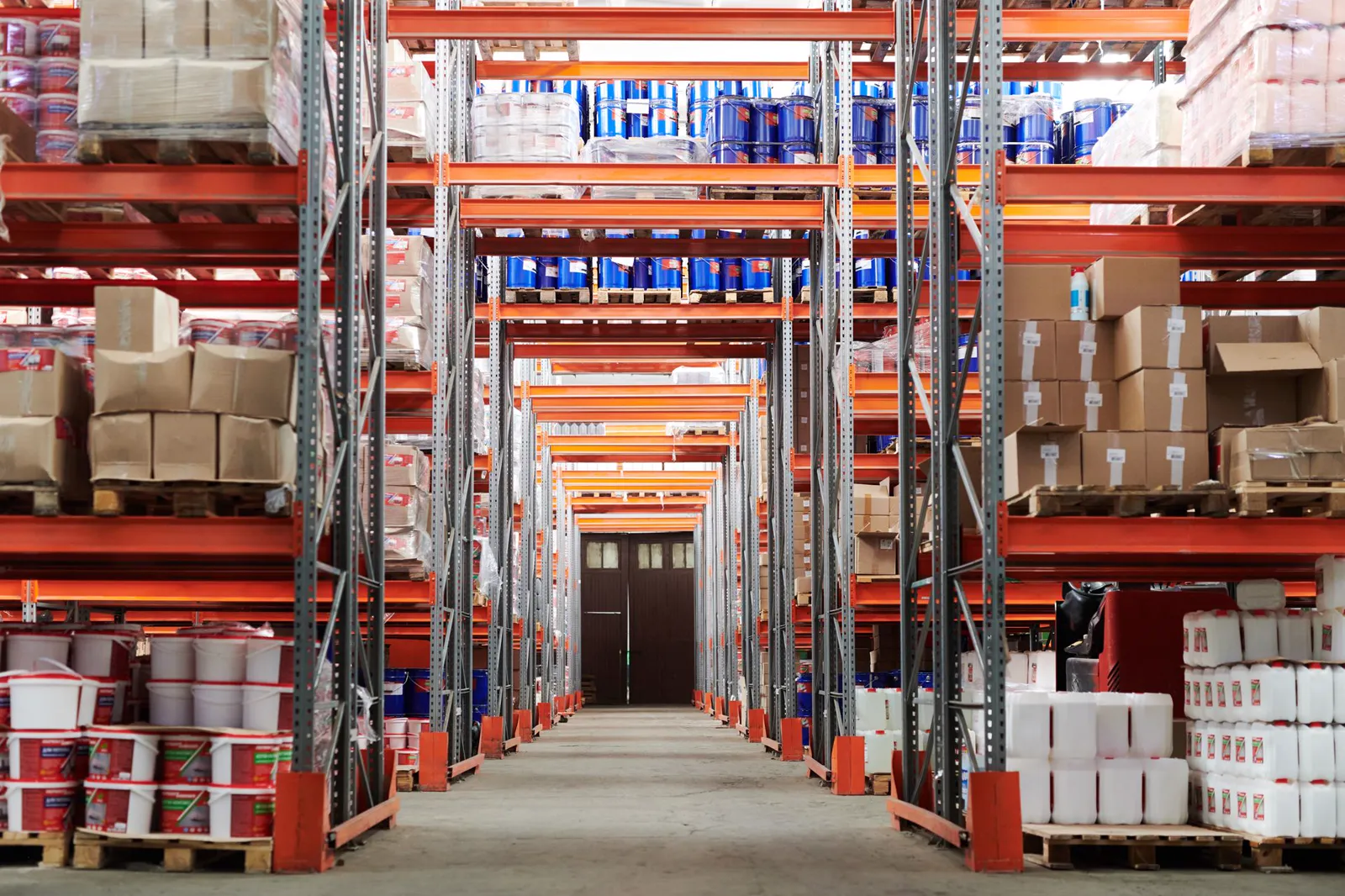
The everyday gaps
Most warehouse problems start as a missing record.
Different symptoms, one cause: no reliable record of what moved, where and when.
65%
of inventory records did not match the shelf
67%
average inventory accuracy with annual counts
 System: 24 units · Shelf: 19
- System says yes, shelf says noOrders accepted for stock that isn’t there.
- Counts that stop workDays of overtime, outdated on arrival.
- Slow receivingChecked carton by carton; gaps found late.
- Lost in your own warehouseHours to find, sometimes bought twice.
- Wrong item, wrong truckFound by the customer, not at the dock.
- No proof in a disputeNo record of what was loaded.
- Who took what, where?Logs and CCTV not tied to stock.
- Data in too many placesEvery gap investigated by hand.
From the inbound dock to the customer’s door.
 in Warehouse


Each read is matched to the delivery note, so gaps show.
Inbound screen, SJ-2611-014 Karawang to Kalideres: the RFID gate at dock 1 reads every pallet as it comes in; each pallet 12 of 12 cartons, matching the delivery note. No manual counts. Illustrative figures.
The scan confirms the place, so stock is never lost.
Putaway screen: PL-0412 and PL-0415, 12 cartons of Blue Oxford each, to suggested slots B1-01 and B1-02. The forklift reader records the pallet it left; the rack label scan confirms B1-01. Illustrative figures.
Picks are checked against the list, so a wrong carton is refused.
Picking screen for REQ-2611-031, Kemang Store: 2 of 2 Chino cartons picked from C2-03 and C2-04 with handheld HH-04; every carton scanned and correct, 0 wrong picks. Illustrative figures.
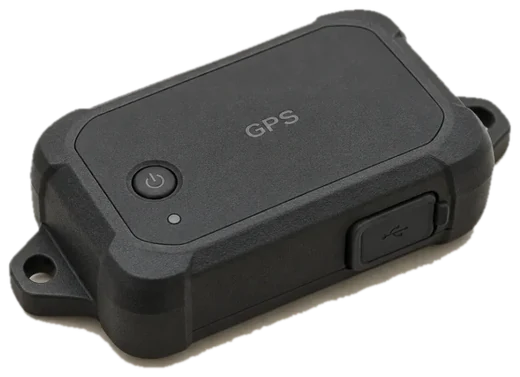
The load is checked against the store’s request before it leaves; then GPS follows the truck.
Outbound screen: each dock gate reads the load. TRK-01 to Kemang Store 10 of 10, TRK-02 to Bintaro Store 12 of 12, TRK-03 to Senayan Store 12 of 12; then GPS follows the truck. Illustrative figures.
The zone plan shows which zone each forklift is in and its load, not an exact path.
Forklift tracking screen: zone plan with 17 Wirepas anchors. Each forklift is shown in its zone with its last report time; zone level, not an exact path. Illustrative figures.
Stock, jobs and docks update together, so the team knows the next job.
Overview screen, Kalideres Warehouse today: 24 of 36 cartons received, 24 of 24 in confirmed slots, 2 of 2 picked, 34 of 34 shipped. Illustrative figures.
Technology
UHF RFID gate
Technology
Rack barcode label
Technology
Handheld UHF RFID
Technology
RFID dock gateGPS
Technology
Wirepas · zone levelForklift RFID reader
Technology
All through DERAS
Example flow and illustrative screens. Capture points, technology and integration are confirmed per project after assessment.
What it takes, stage by stage.
- 1Inbound
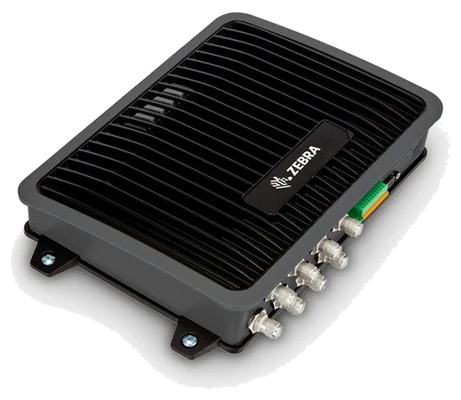 RFID dock gateCartons match the delivery note
- 2Putaway
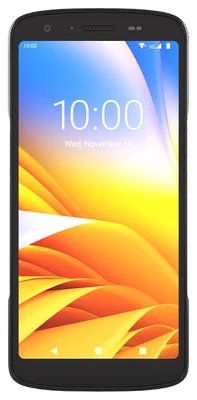 Scanner and rack labelsPallets in confirmed slots
- 3Picking
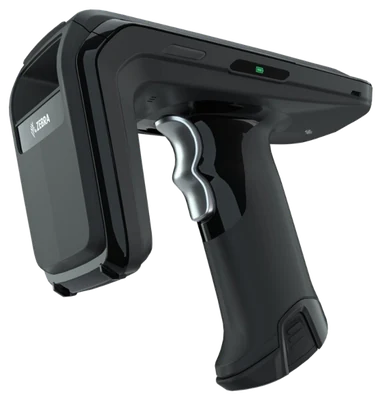 RFID handheldThe right carton, every pick
- 4Outbound
 Dock gate and truck GPSLoads match the order
- 5Forklift trackingActive RFID tags on forkliftsThe zone of every forklift
- 6OverviewTUDI app on DERASOne record per movement
Every stage also needs
- Network and power at the docks
- RFID labels on the cartons
- DERAS, linking every stage
How a project runs
- 1Assess
Walk the docks and aisles; find where the record breaks.
- 2Design
Choose the device type per stage; barcode where it is enough.
- 3Supply & deploy
Install, tag and test on your real cartons and racks.
- 4Integrate
Connect through DERAS to your WMS or ERP, when you need it.
- 5Pilot & measure
Start with one dock gate or one zone, measure against the baseline, then expand.
- 6Support
Training, tuning after go-live, ongoing support.


Start with one workflow
Find where
the records break.
Share the items, the current process and the systems already in use. The first conversation sets a starting point and the metrics to measure.