
Solutions · Inventory Management
Match your stock record to your warehouse.
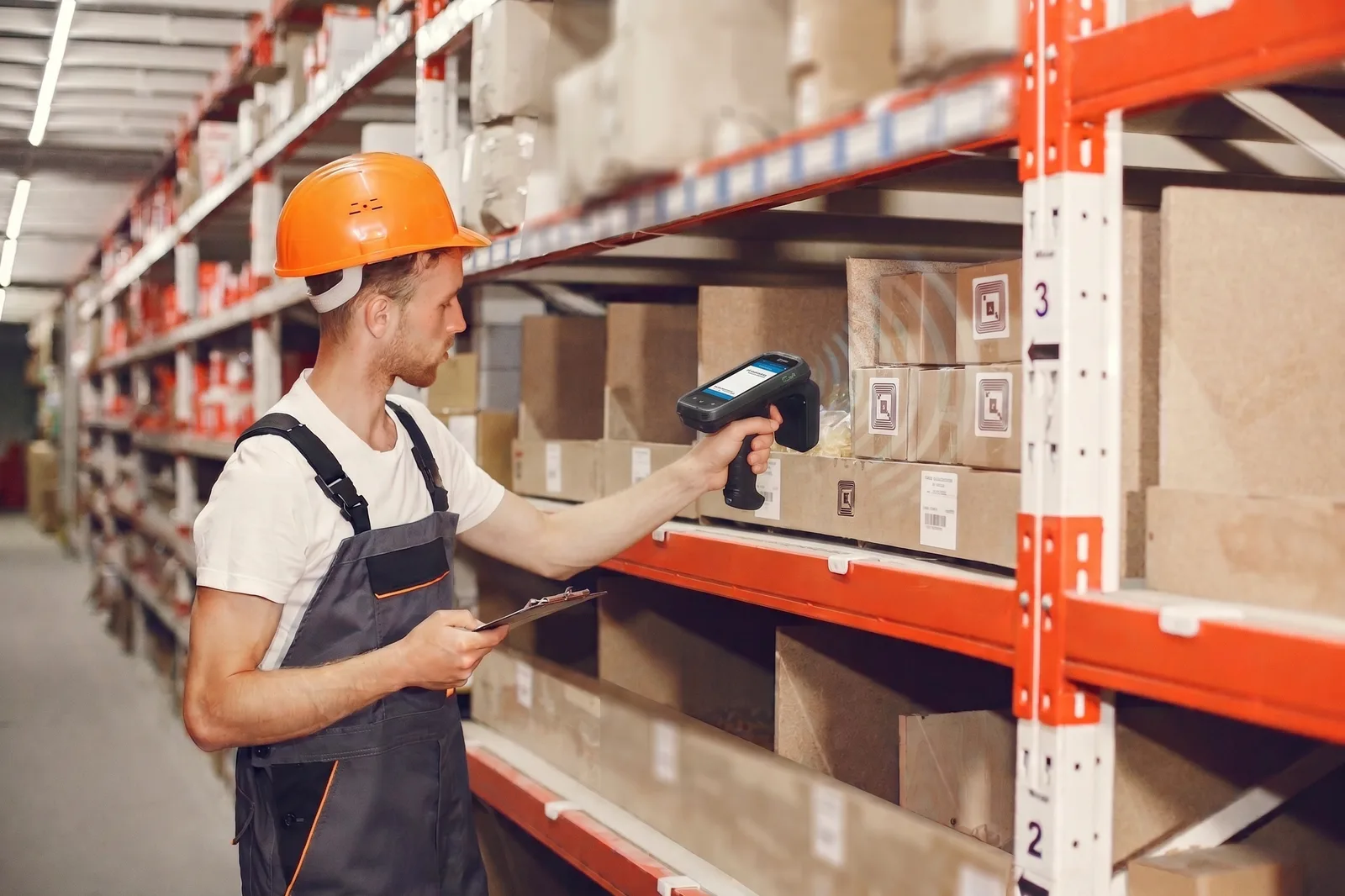
Your system holds a stock balance. Your team needs to count what is actually in the warehouse, compare the two and review any differences before changing the record.
The everyday gaps
A stock record drifts between counts.
Every sale, transfer and return that misses the system widens the gap. By the next count, no one knows which number to trust.
65%of inventory records did not match physical stock in a field study of a leading retailer. California Management Review
67%average inventory accuracy, 2022–2024, in an Indonesian warehouse relying on annual stock counts. JISS, 2026
 System: 24 units · Shelf: 19
Counts that stop the operation
A full count closes the store or the warehouse for a day or more, and overtime is paid to finish it.
Differences no one can explain
The count shows a gap, but not where it started: a missed receipt, a wrong transfer or a loss.
Recounts and disputes
Two teams count the same shelf and get two numbers, so the result is argued over instead of approved.
Audits that find the gap first
An auditor's sample shows what the record missed, long after it could have been fixed.
Where the same count is used.
 WarehouseCartons and pallets are counted by location, so stock matches the WMS before orders are accepted.
 LibraryBooks on open shelves are checked against the catalogue, and misplaced titles are found without pulling each one.
 JewellerySmall, high-value pieces are counted tray by tray at opening and closing, so a missing piece shows the same day.
Three ways to count the same stock.
 Stock count

Three aisles hold the same stock: 60 cartons of 12 tagged items, 720 items each.
Count race on three identical aisles of 720 items: manual at 2 s per item, barcode at 1.5 s per carton label of 12 items, and a UHF RFID handheld that scans each bay. UHF RFID finishes in about 21 seconds; by then barcode has about 20% and manual about 1%. A full count takes about 2 minutes by barcode and 24 minutes by hand. Illustrative figures.
Technology
By handBarcodeUHF RFID
An illustrative count race: manual at 2 s per item, barcode at 1.5 s per carton label (12 items a scan), and a UHF RFID handheld that scans each bay. Rates explain the workflow; they are not measured warehouse results. Read range and speed depend on the tags, the items and the site.
What it takes, stage by stage.
- 1Tag and register
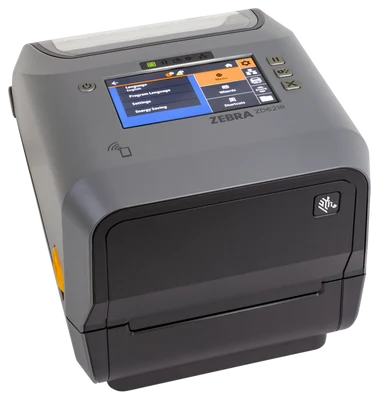 RFID label printerEvery item gets its own tag
- 2Count
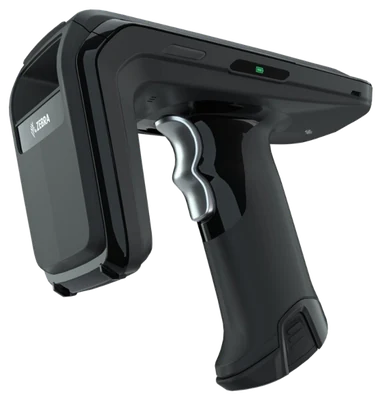 RFID handheldA whole bay in one scan
- 3Doors and docks
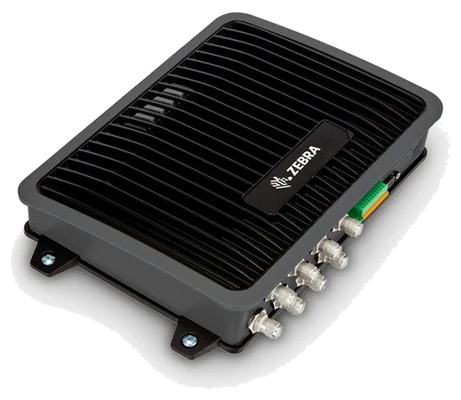 Fixed reader at the doorStock stays right between counts
- 4Review and update
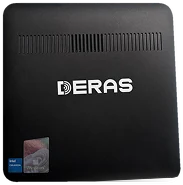 DERAS Box with the TUDI appOnly reviewed differences reach the ERP
Every stage also needs
- Network and power on site
- RFID labels on the items
 DERAS, linking every stage
How a project runs
- 1Assess
Walk the shelves and storerooms; find where the count breaks.
- 2Design
Choose the tag for each item; barcode where it is enough.
- 3Supply & deploy
Print labels, tag a pilot area and test on your real items.
- 4Integrate
Connect through DERAS to your WMS or ERP, when you need it.
- 5Pilot & measure
Start with one zone or one store, measure against the baseline, then expand.
- 6Support
Training, tuning after go-live, ongoing support.
Next step
Plan your stock count with TUDI.
Share your current process, sample items and stock record. We’ll help assess the counting method, labels, devices and connection to your system.