
Industries · Retail
Stock you can sell, on the shelf.
Counts that match the shelf, deliveries that can be verified and exits that can be watched. The right technology is chosen for each step in the store and connected through  DERAS to the POS and ERP already in use.
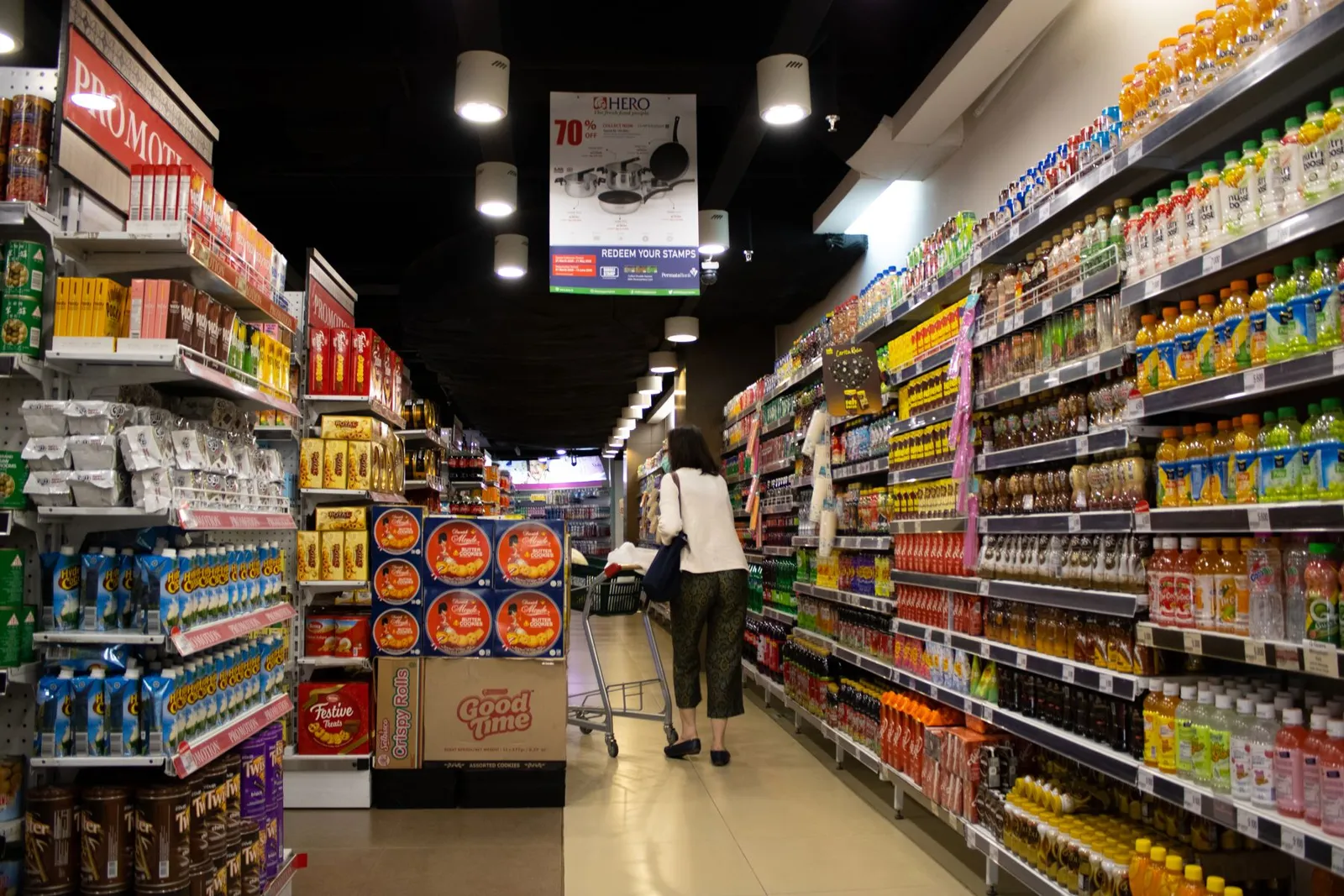
The everyday gaps
Most lost sales start as a missing record.
Different symptoms, one cause: no reliable record of what moved, where and through which door.
65%
of inventory records did not match the shelf
1.6%
of retail sales lost to shrink, 27% of it from process errors
 POS: 6 in stock · Shelf: 0
- System says yes, shelf is emptyCustomers leave without buying.
- Counts that close the storeOvernight, a few times a year.
- Deliveries no one checkedASN gaps surface weeks later.
- Stock stuck in the backroomIn the building, not on the floor.
- Losses no one sawA number at year end, no record.
- Online orders for missing stockAccepted, then cancelled.
- Returns and transfers that slipDropped from the record on the way.
- Data in too many placesEvery gap investigated by hand.
From the delivery door to the checkout.
 in Retail
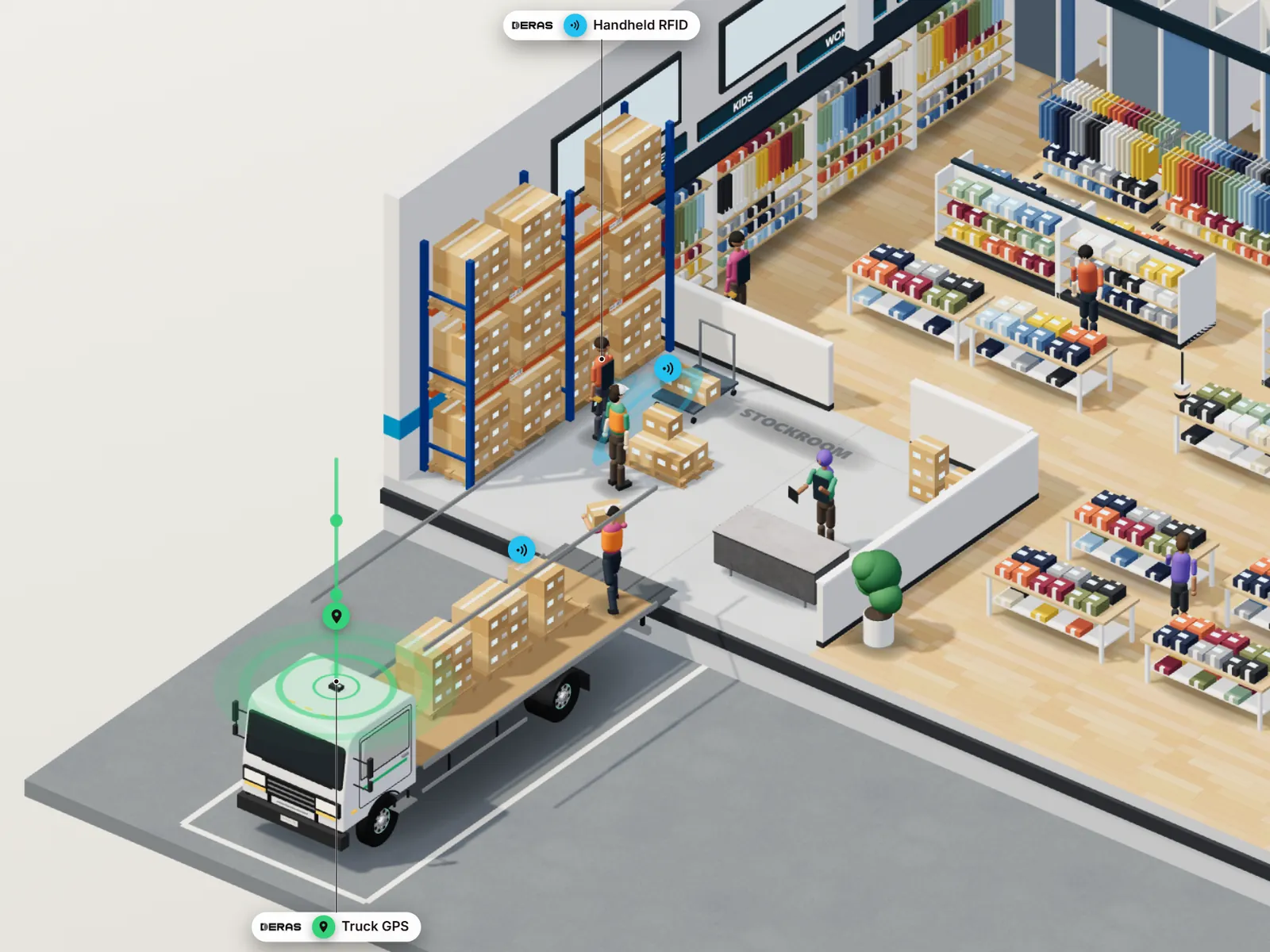
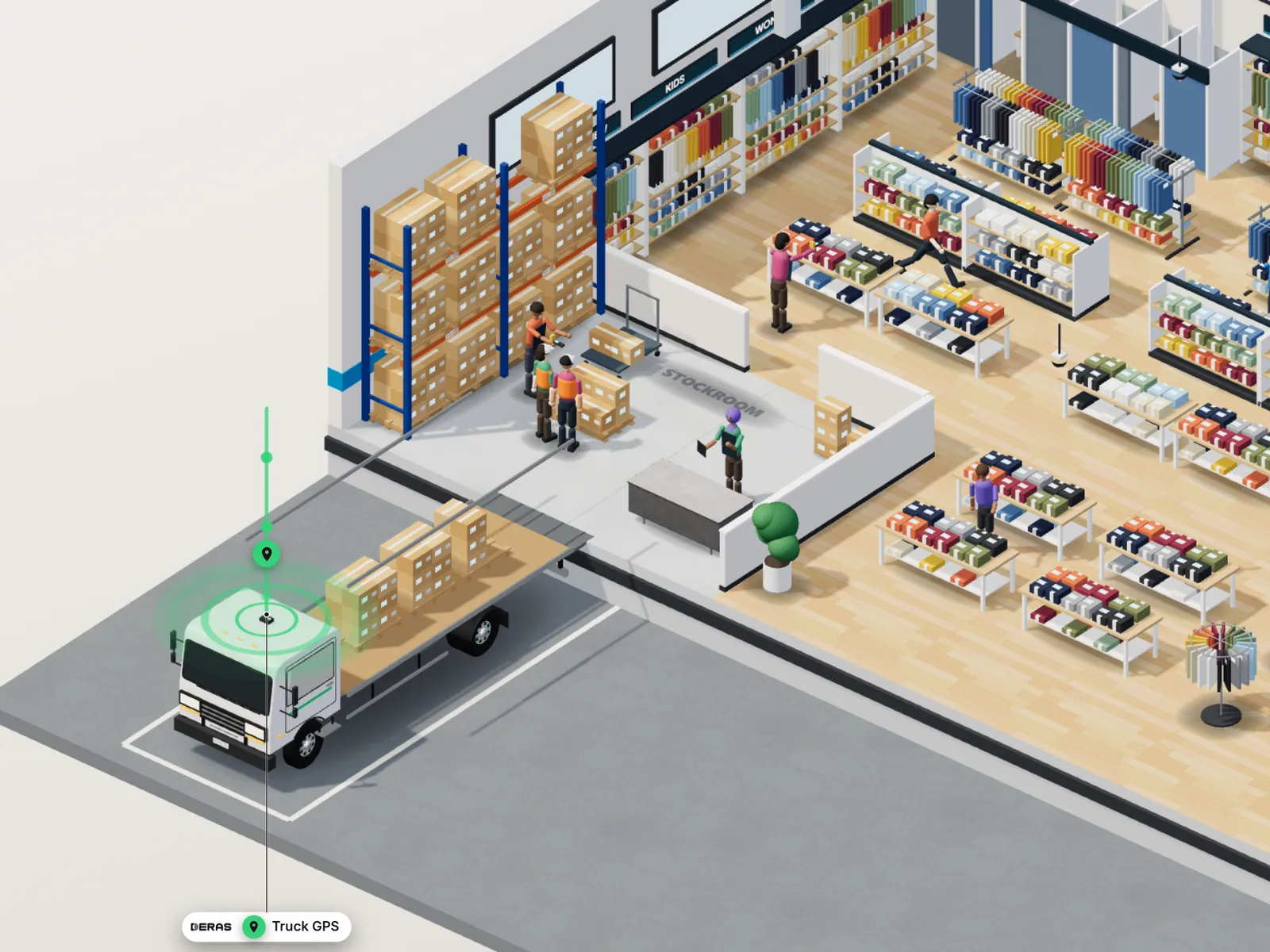
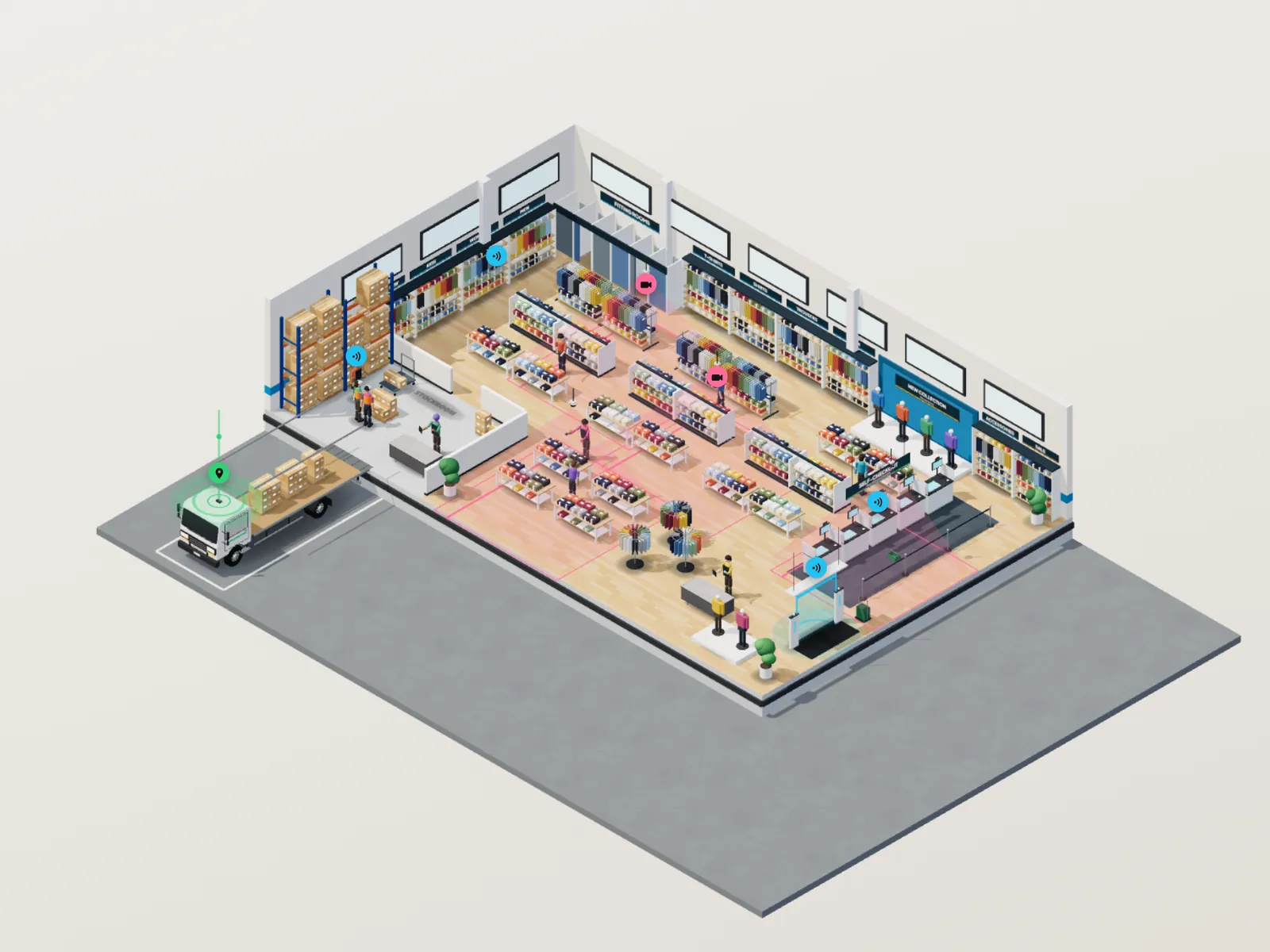
Each carton read is matched to the ASN, so the delivery note closes and stock goes up.
Receive goods screen, ASN-2611-118: GPS announces the truck; the RFID handheld reads 12 of 12 cartons against the ASN; the delivery note closes and stock goes up. Illustrative figures.
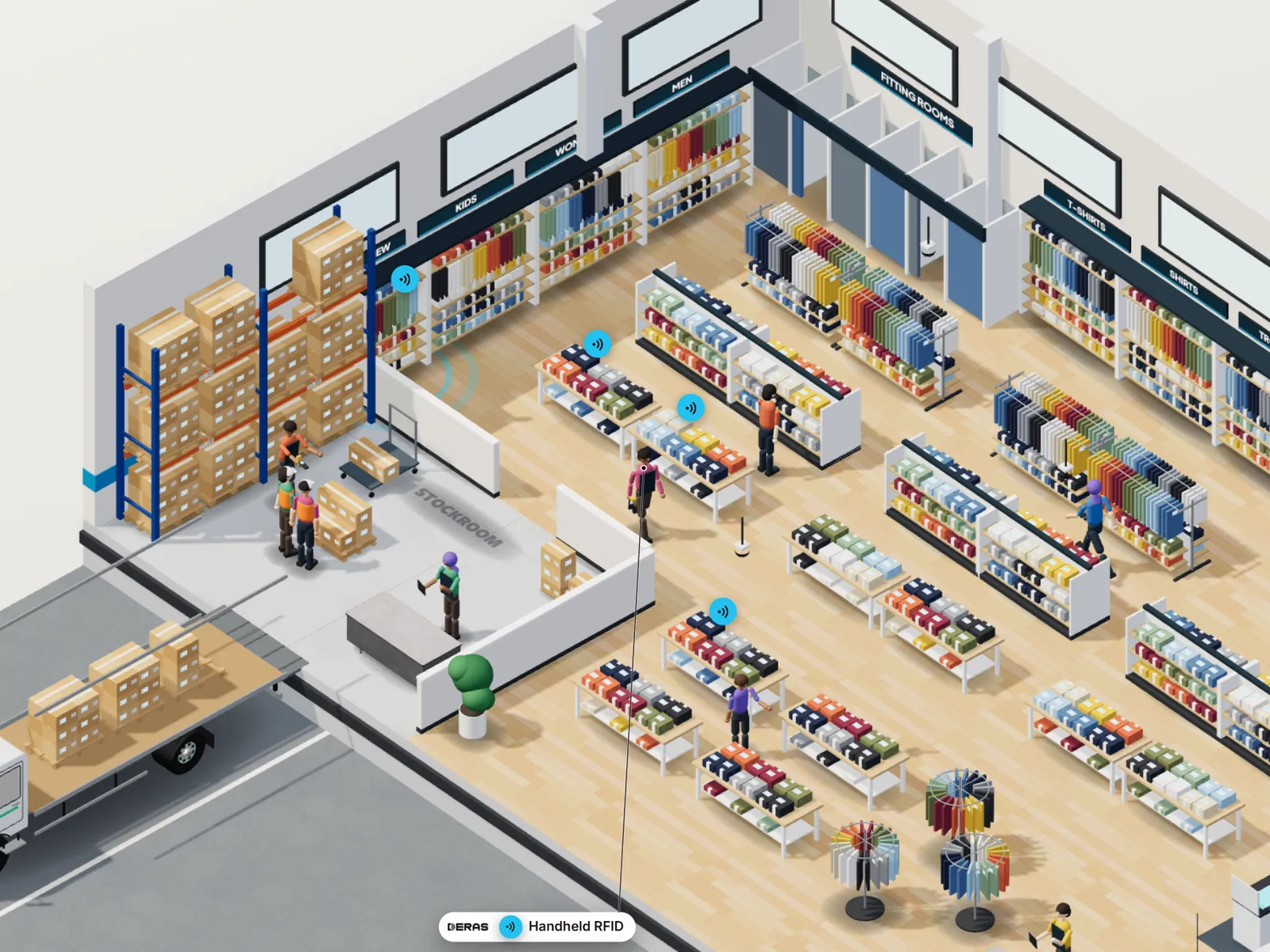
The whole store is counted in minutes, with each item’s variance.
Stock count screen: 1,236 of 1,248 items counted in minutes; wall bays 8 short, tables 4 short, island matched. Illustrative figures.
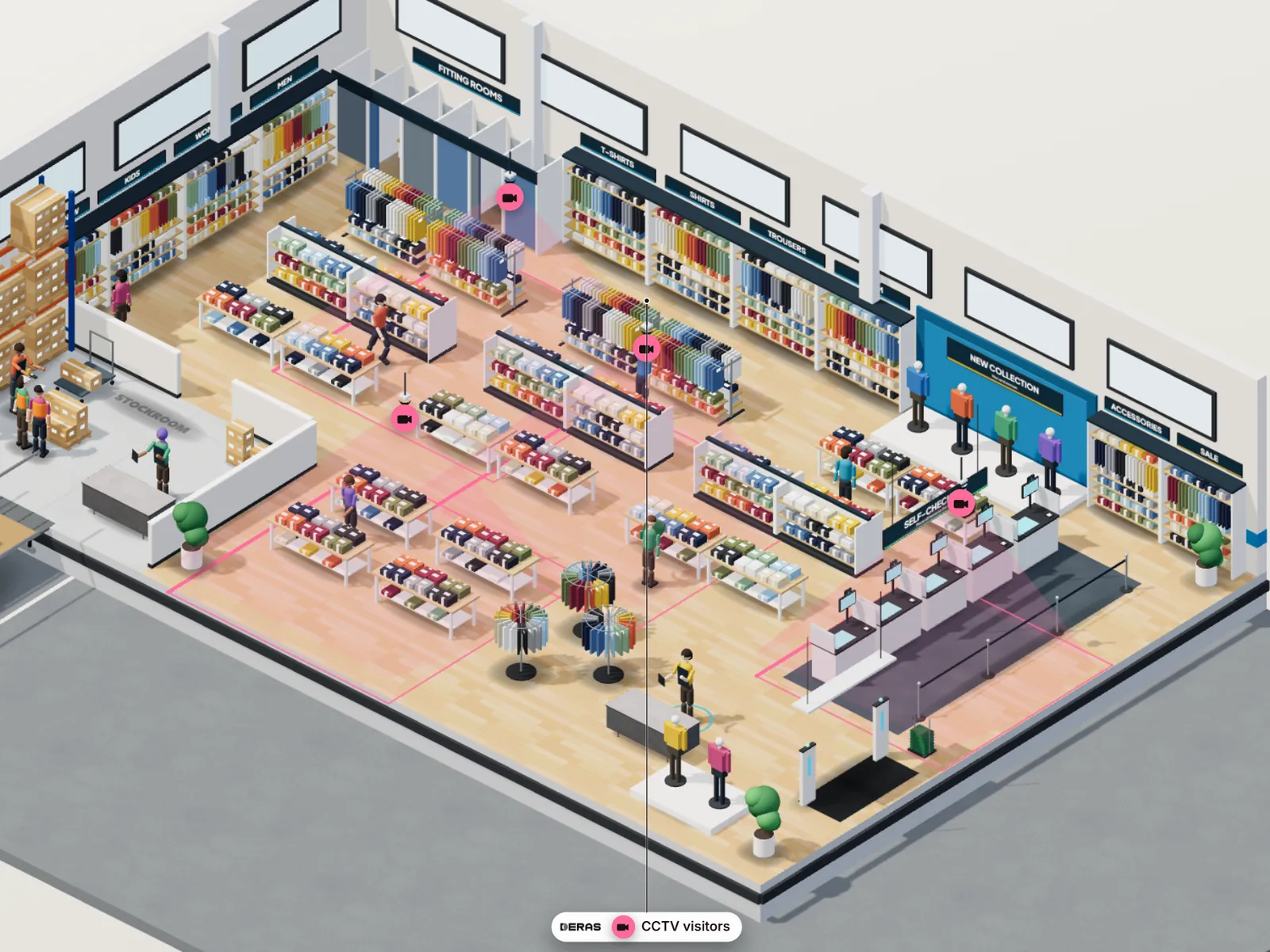
The camera counts visitors and busy zones, so staffing can follow footfall.
Customers screen: the ceiling camera counts 412 visitors today; the busiest zone is the tables by the entrance; peak 17:00 to 19:00. Illustrative figures.
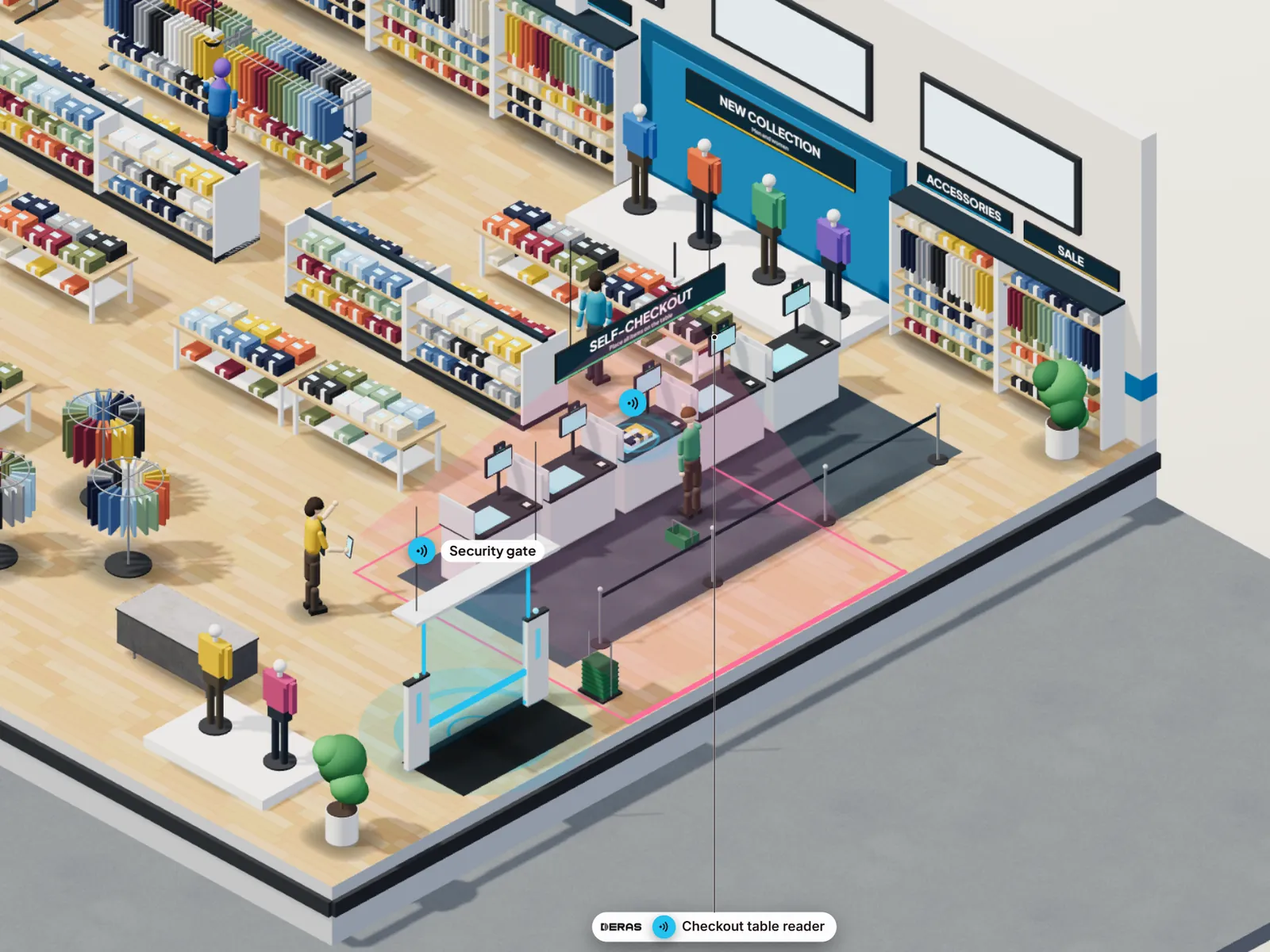
The table reads every hang tag and the gate checks payment, so nothing leaves unpaid.
Self-checkout kiosk: it starts empty ("place your items on the table"); each garment appears as it lands on the RFID table, with its price (dummy figures); the customer pays by phone and the door gate confirms every item is paid. Illustrative figures.
The request is built from sales, so stock arrives before the shelf is empty.
Replenish screen: request REQ-2611-044 built from sales for 3 low items; GPS follows the delivery truck. Illustrative figures.
Sales, stock and requests line up, so tomorrow’s plan is easy to make.
Summary screen, Kemang Store today: 12 of 12 cartons received, count accuracy 99.0%, 0 unpaid exits, 1 request sent. Illustrative figures.
Technology
RFID handheldGPS
Technology
RFID handheld
Technology
Camera · people count
Technology
RFID tableRFID security gate
Technology
RFID handheldGPS
Technology
All through DERAS
Example flow and illustrative screens. Capture points, technology and integration are confirmed per project after assessment.
What it takes, stage by stage.
- 1Receive goods
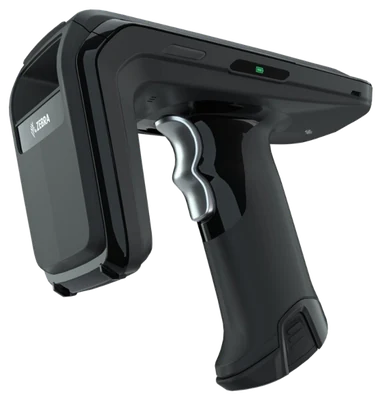 RFID handheldCartons match the ASN
- 2Stock count
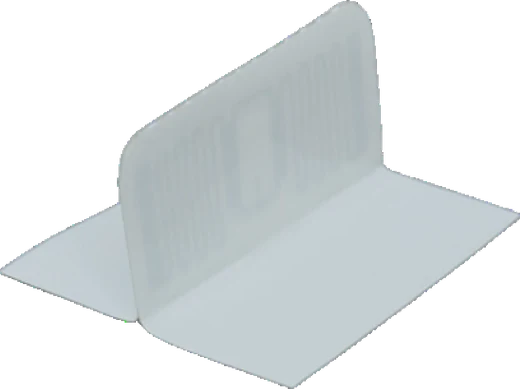 RFID hang tagsStore counted in minutes
- 3Customers
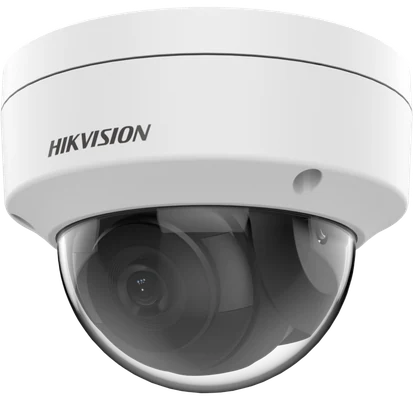 People-count cameraBusy zones and peak hours
- 4Self-checkout
 RFID table and gateNothing leaves unpaid
- 5Replenish
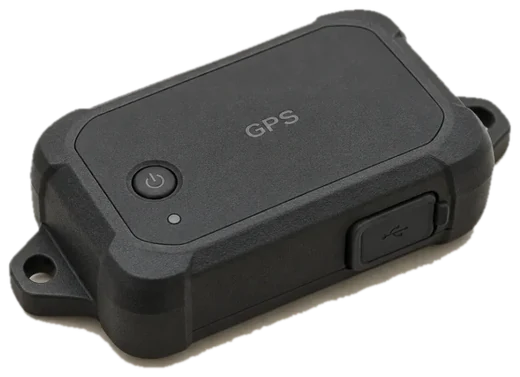 Handheld and truck GPSRequests built from sales
- 6Summary
 TUDI app on DERASOne view of the store
Every stage also needs
- Network and power on the floor
- RFID hang tags on the garments
- DERAS, linking every stage
How a project runs
- 1Assess
Walk the store from the back door to the checkout; find where the record breaks.
- 2Design
Choose the device type per stage; barcode where it is enough.
- 3Supply & deploy
Install, tag and test on your real garments and fixtures.
- 4Integrate
Connect through DERAS to your WMS or ERP, when you need it.
- 5Pilot & measure
Start with one store or one zone, measure against the baseline, then expand.
- 6Support
Training, tuning after go-live, ongoing support.


Start with one workflow
Find where
the stock goes missing.
Share the categories, the store process and the systems already in use. The first conversation sets a starting point and the metrics to measure.