Industries · Government
Make physical inventories easier to verify.
Public organisations need to know which assets exist, where they are held and who is responsible for a change. Begin with the official record and one repeatable physical check.

Most asset findings start as a missing record.
Different symptoms, one cause: no reliable record of where each asset is and who holds it.
 Register: 412 · Found: 398
- Register says yes, room says noAssets on paper no one can find.
- Stock takes that take weeksRoom by room, by hand.
- Loans without a return dateWho has the laptop now?
- Moved, but not recordedThe room on file is out of date.
- Leaving without a passNo one sees it at the door.
- Service history on paperHard to show at audit.
- Disposals without a trailRetired, but still on the books.
- Data in too many placesEvery gap investigated by hand.
From arrival to retirement
 in Government
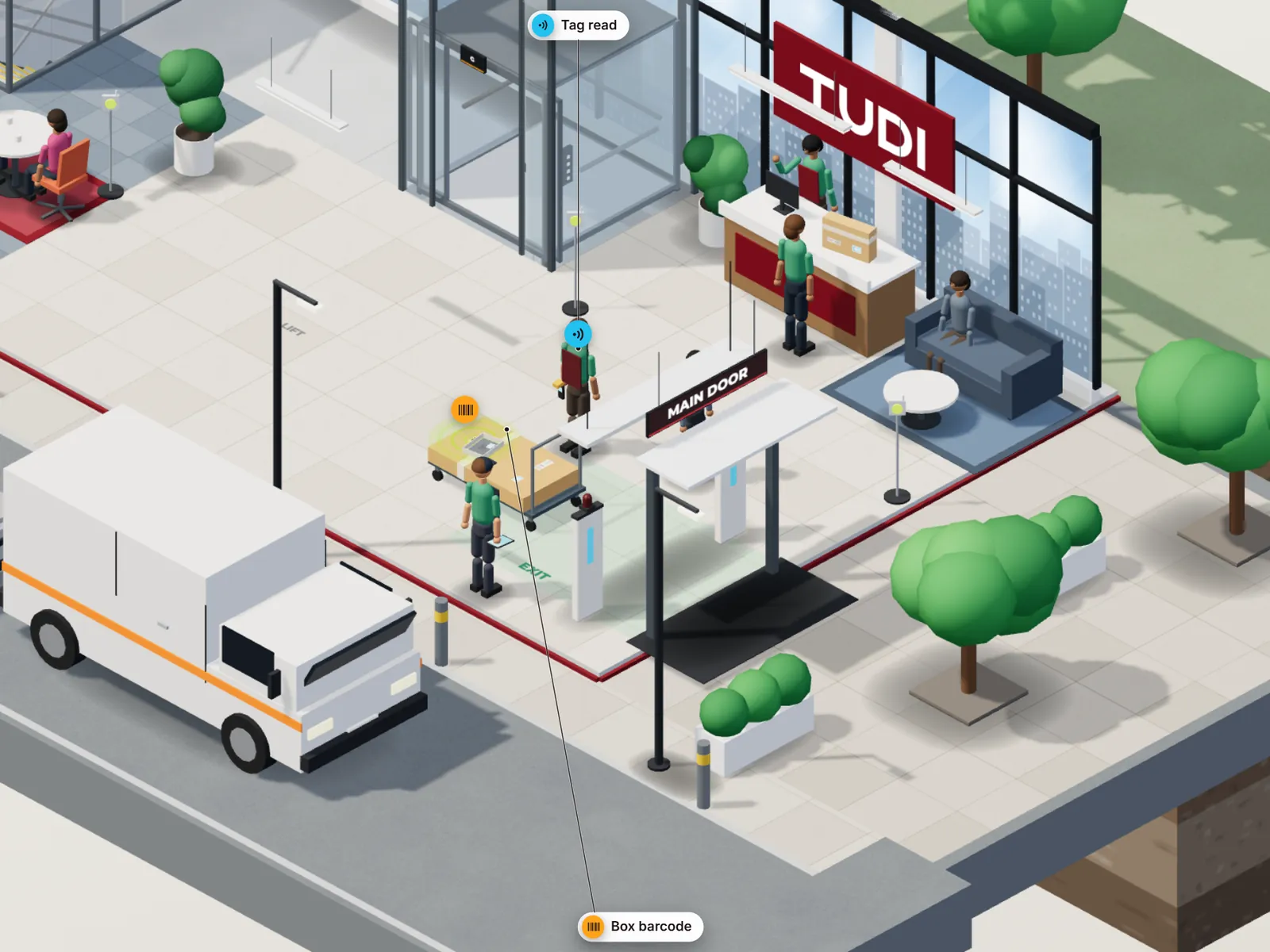
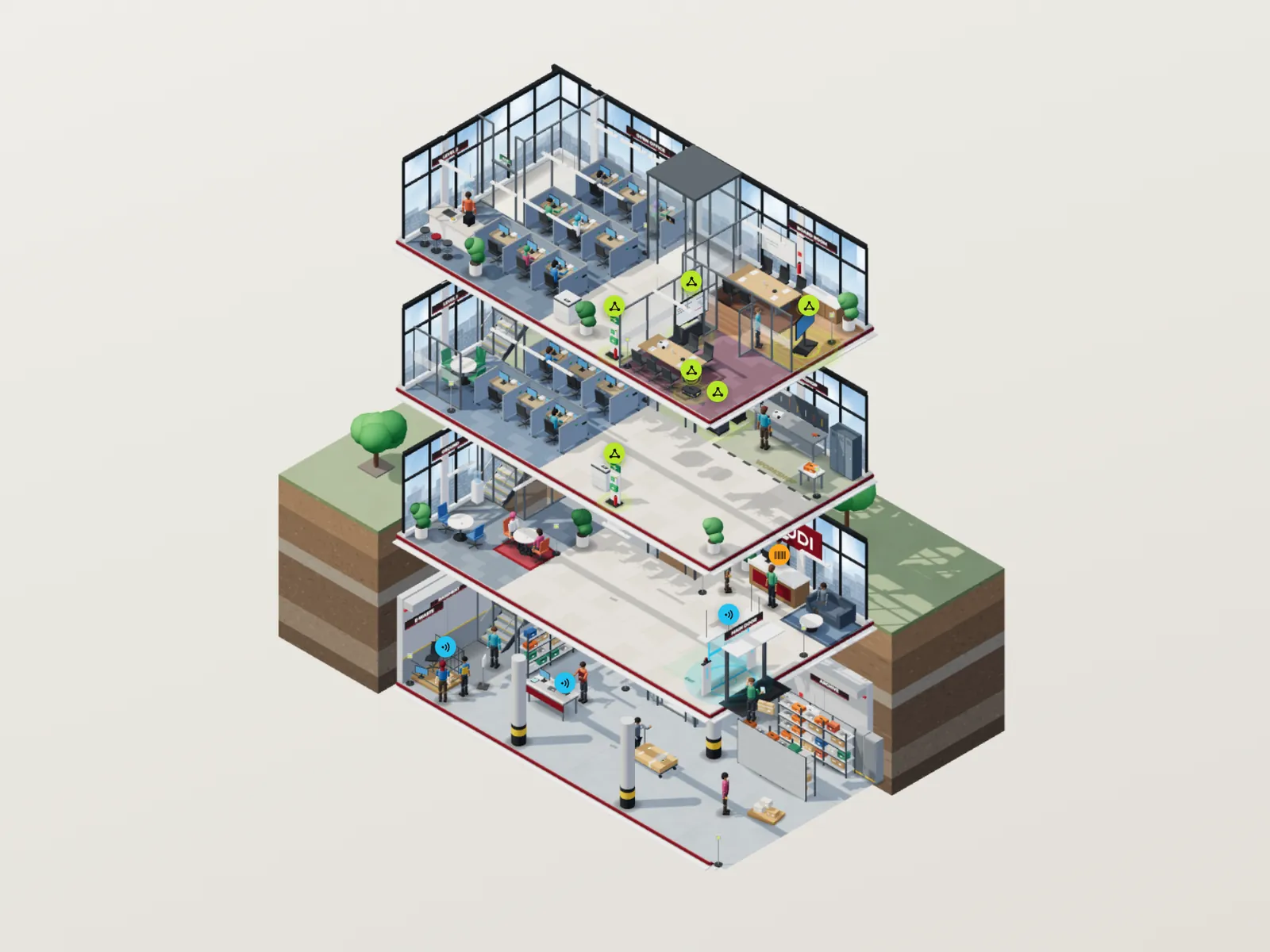
Each asset gets one record and a place, so nothing starts unrecorded.
Register & store screen: laptop LT-0412 and TV-0091 registered by box barcode and RFID tag; the TV also gets a Wirepas tag; both placed in the IT store. Illustrative figures.
A loan has a borrower, a due date and a return, so anyone can see who has what.
Borrow & return screen: LT-0388 returned and its loan closed; LT-0412 lent to Dewi until 26 November. Illustrative figures.
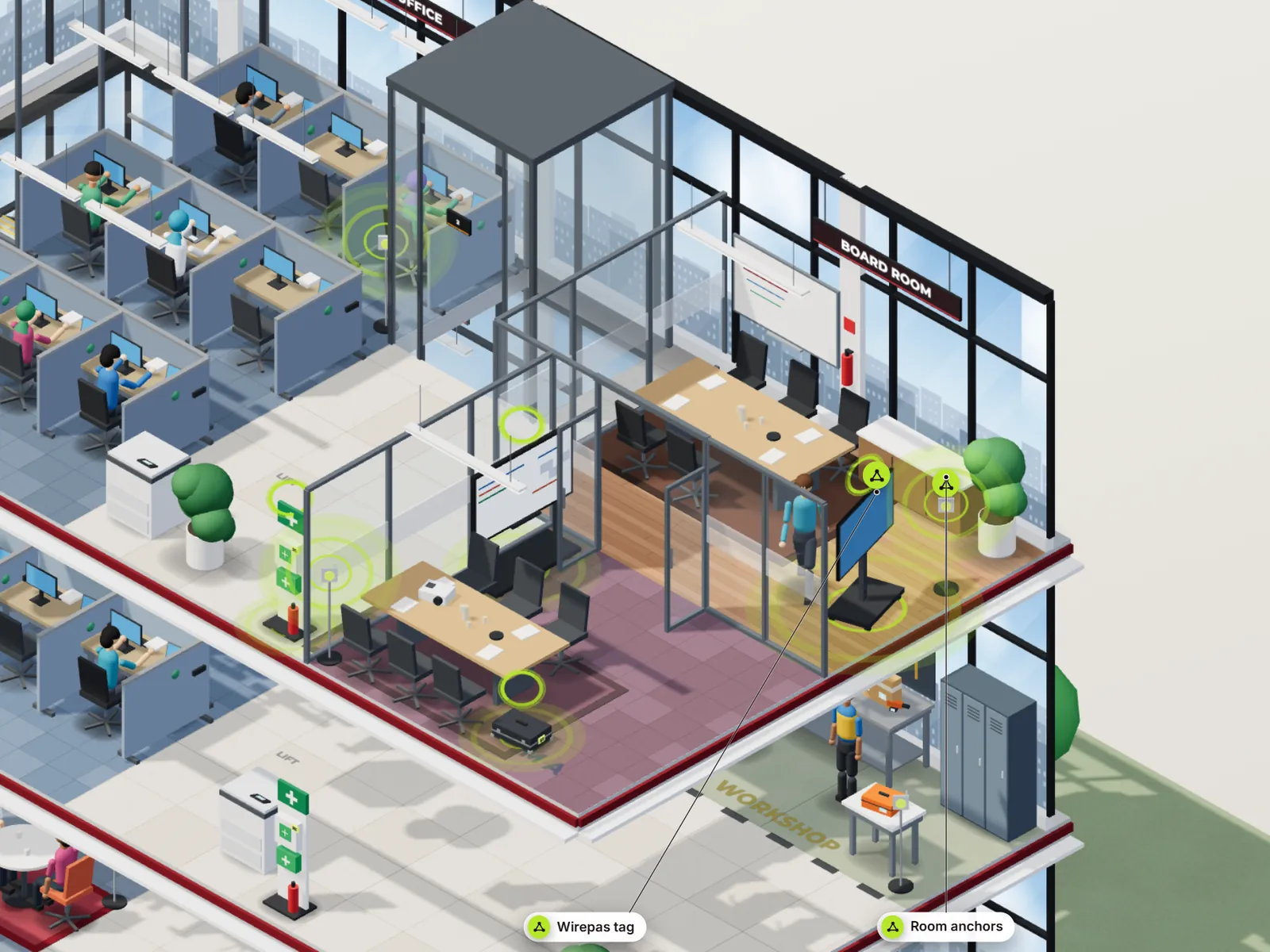
The plan names the room each tagged item is in now, so none needs a search.
Item tracking screen: TV-0091’s Wirepas tag reports the move from Meeting room A to the Board room; room level, not an exact spot. Illustrative figures.
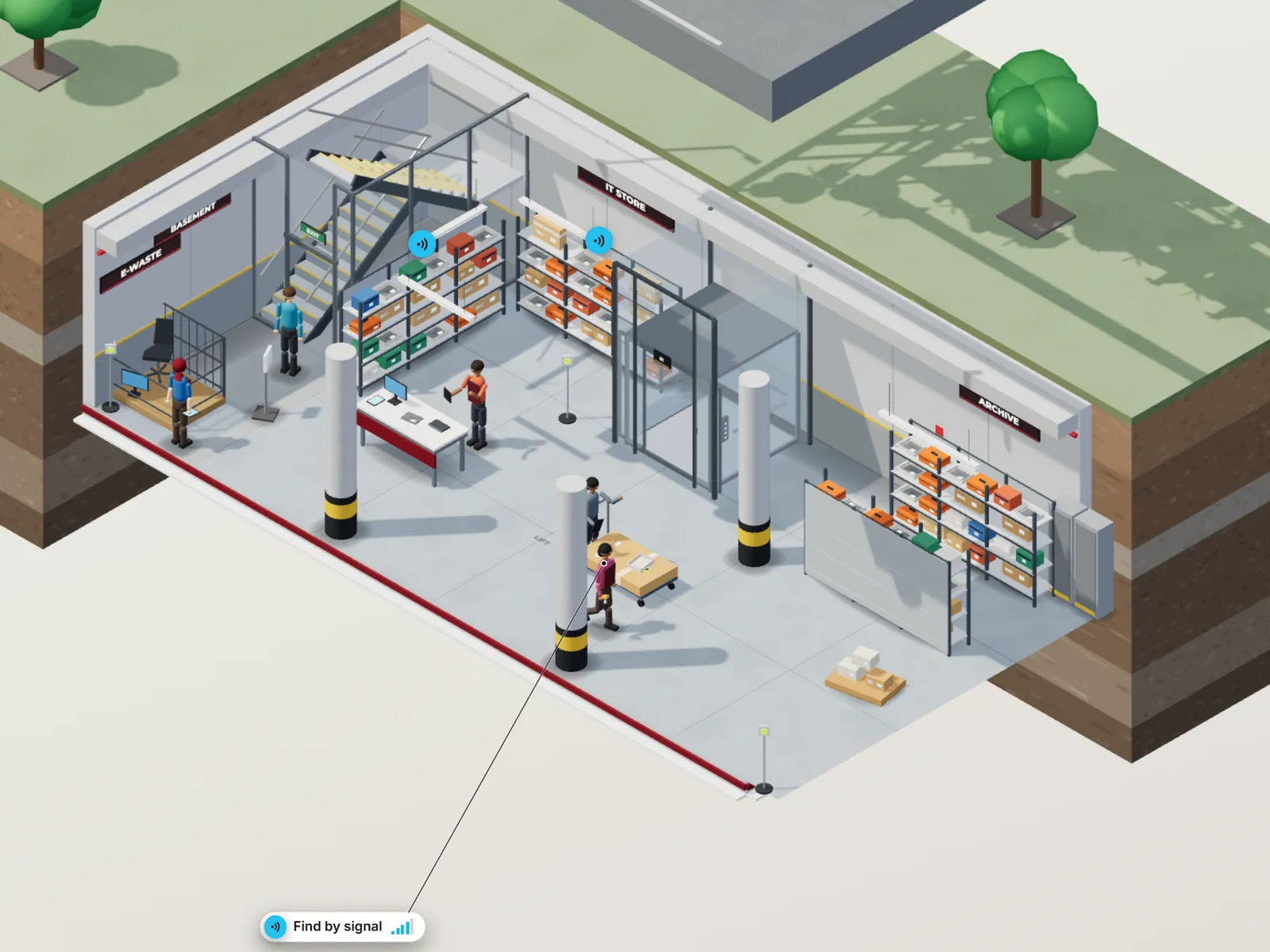
The count lists what was not seen, and the handheld leads the team to it.
Stock take screen, IT store: 46 of 47 items read; monitor MN-0233 found by signal strength; 47 of 47. Illustrative figures.
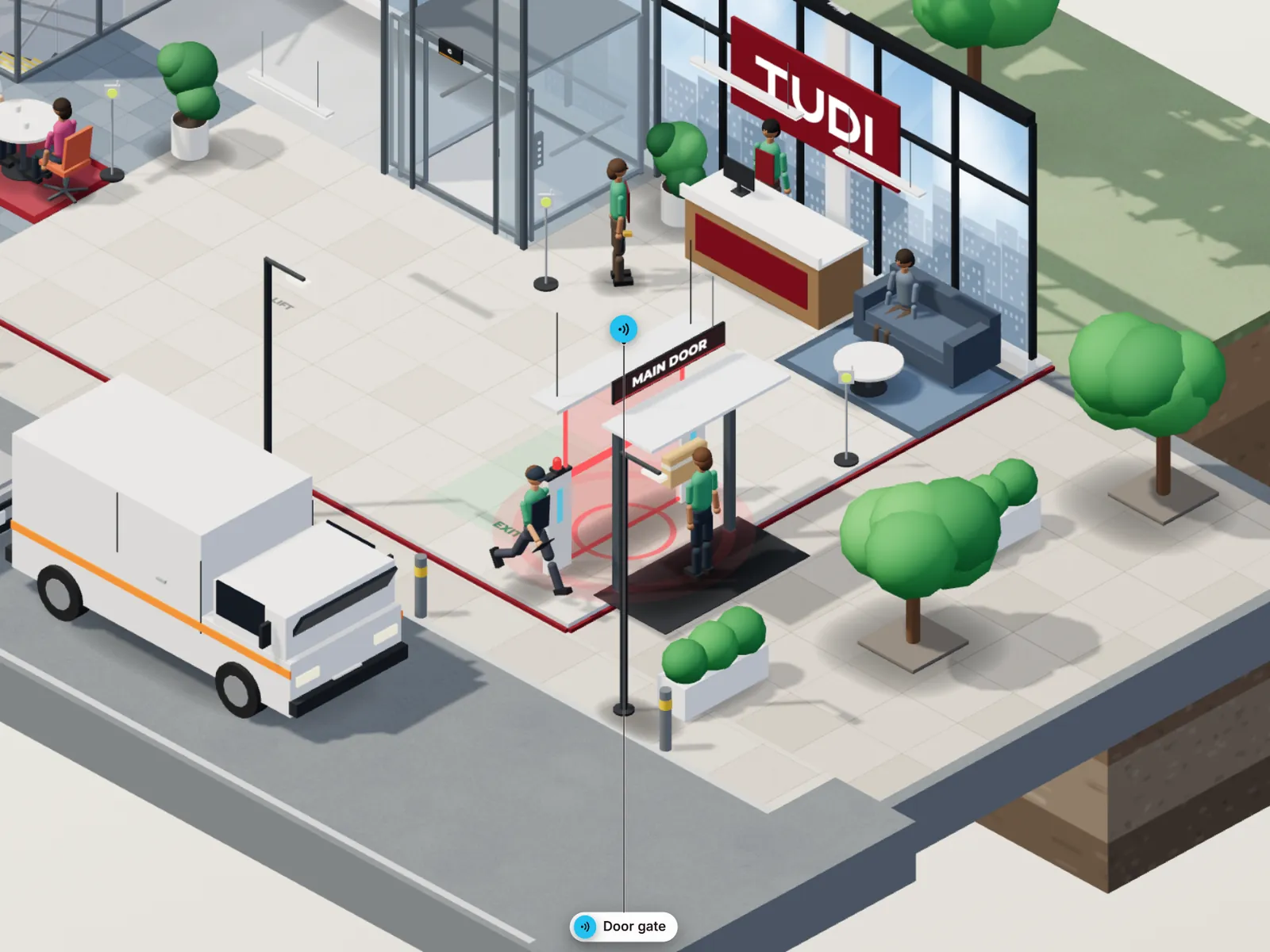
Security sees an item leave without a pass, so it can be stopped at the door.
Exit gate screen: monitor MN-0240 with no handover pass is read at the main door and raises an alert. Illustrative figures.
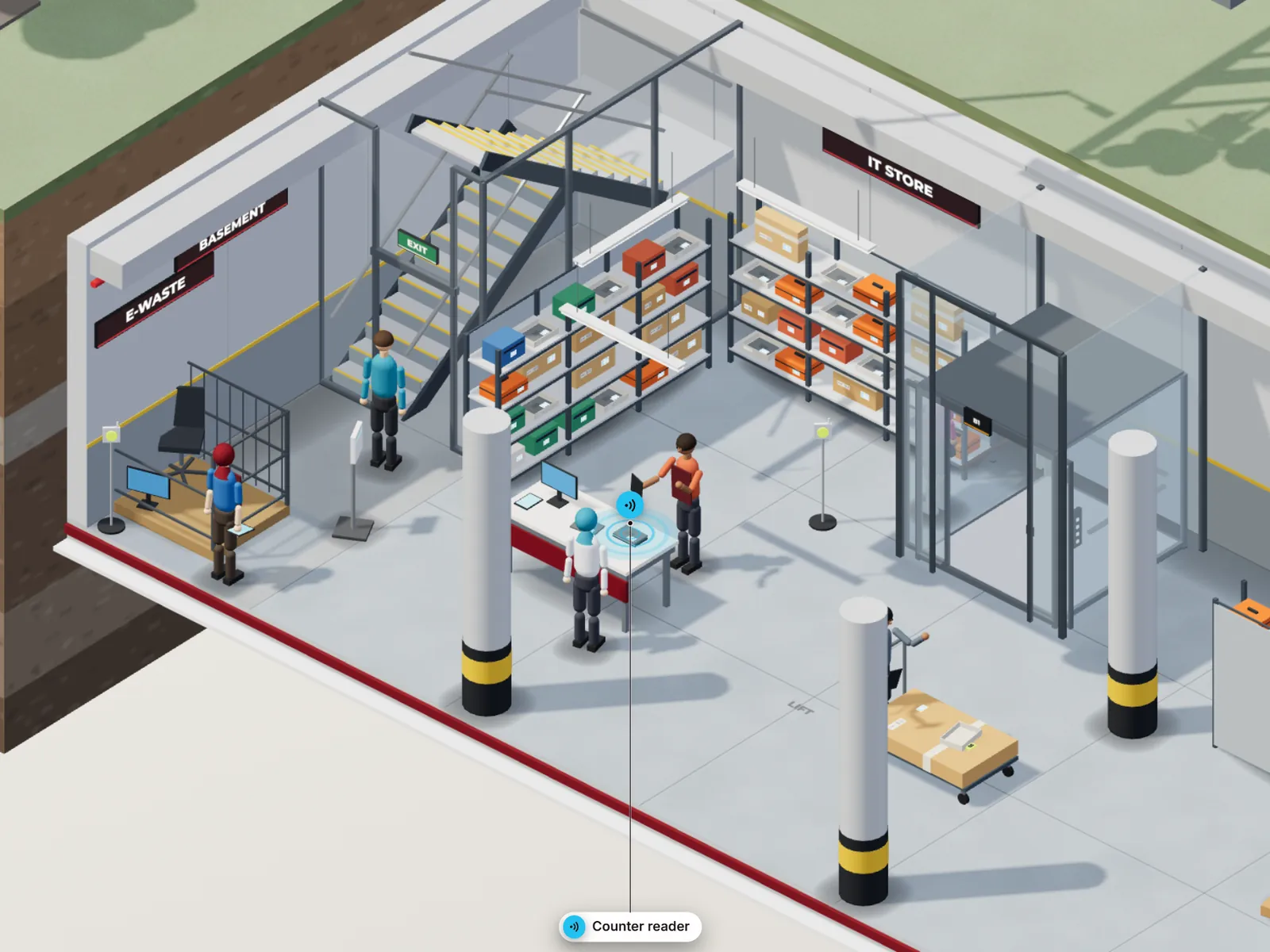
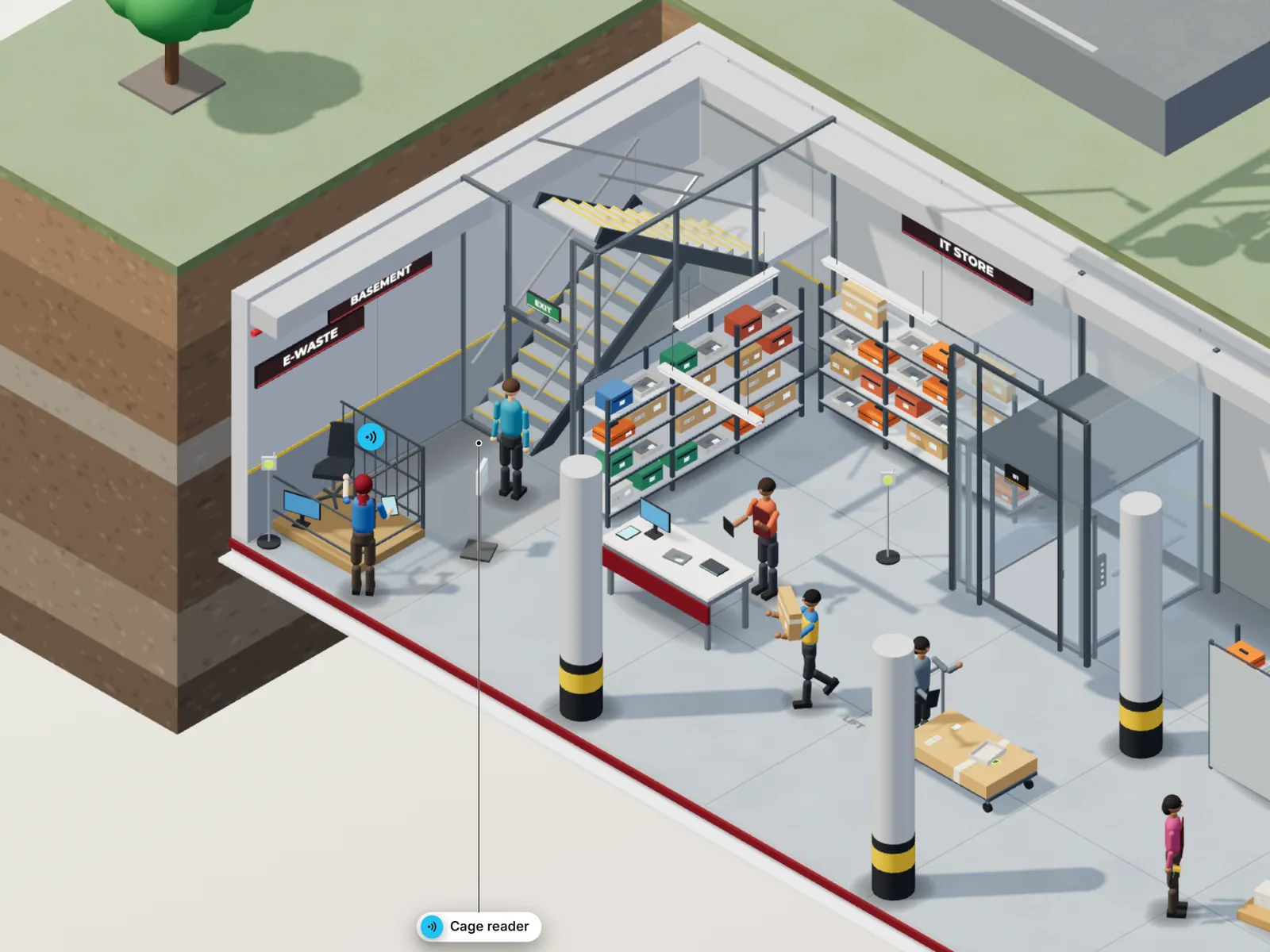
Service and disposal are logged with their dates, so the full history is kept.
Service & retire screen: projector PJ-0014 serviced; monitor MN-0102 retired with approval and read into the e-waste cage. Illustrative figures.
Counts, custody and service in one view, matching the official register.
Summary screen, head office today: 412 assets on the register, 2 new, 18 on loan, stock take 47 of 47, 1 door alert. Illustrative figures.
Technology
BarcodeRFID handheldWirepas
Technology
RFID reader pad
Technology
Wirepas · room level
Technology
RFID handheld
Technology
RFID gate
Technology
RFID handheldTablet
Technology
All through DERAS
Example flow and illustrative screens. Capture points, technology and integration are confirmed per project after assessment.
What it takes, stage by stage.
- 1Register & store
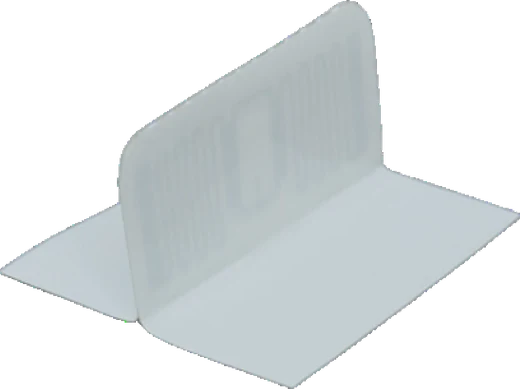 RFID asset tagsOne record per asset
- 2Borrow & return
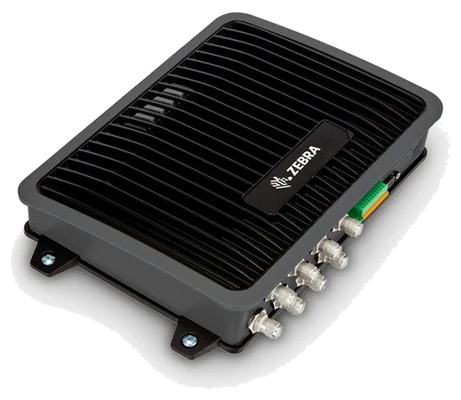 Counter reader padEvery loan has a due date
- 3Item trackingActive RFID tagsThe room each item is in
- 4Stock take
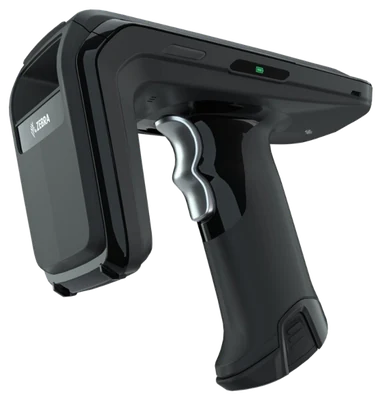 RFID handheldWhat was not seen, found
- 5Exit gate
 RFID exit gateNo exit without a pass
- 6Service & retireTechnician tabletFull history kept
- 7Summary
 TUDI app on DERASMatches the register
Every stage also needs
- Network and power at the doors
- The official asset number on every tag
 DERAS, linking every stage
How a project runs
- 1Assess
Pick one asset category at one office; find where the record breaks.
- 2Design
Choose the device type per stage; barcode where it is enough.
- 3Supply & deploy
Install, tag and test on your real assets and rooms.
- 4Integrate
Connect through DERAS to your WMS or ERP, when you need it.
- 5Pilot & measure
Start with one office or one floor, measure against the baseline, then expand.
- 6Support
Training, tuning after go-live, ongoing support.