
Solutions · Asset Register
Know where every asset is, and who has it.
Label equipment once, record every handover, and audit room by room with a handheld reader instead of a clipboard.

Used across industries.
One solution, set up for each operation. See how it fits your industry.


Asset audit
 Asset audit
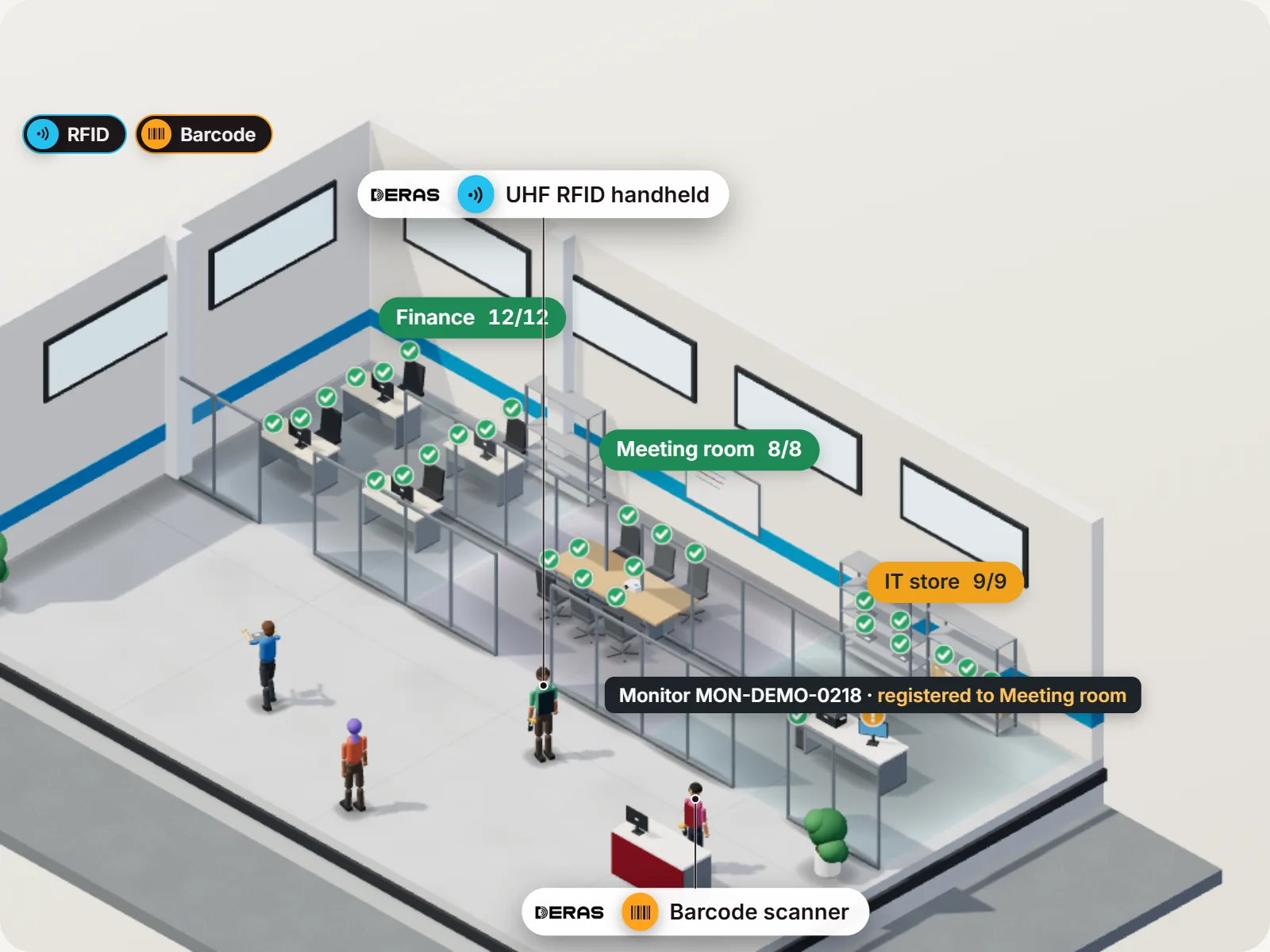
The auditor takes a UHF RFID handheld round the floor, room by room.
Scanned in, condition OK: the projector is back in the Meeting room. Illustrative figures.
Technology
UHF RFID handheldBarcode
An illustrative audit: rooms are read with a UHF RFID handheld, and a loan and a return are scanned at the desk; codes, names and counts are examples.
What it takes, stage by stage.
- 1Tag
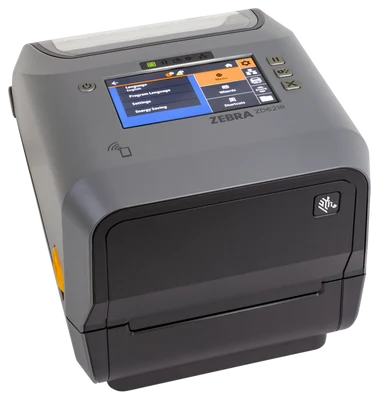 RFID label printerEvery asset carries its own number
- 2Labels
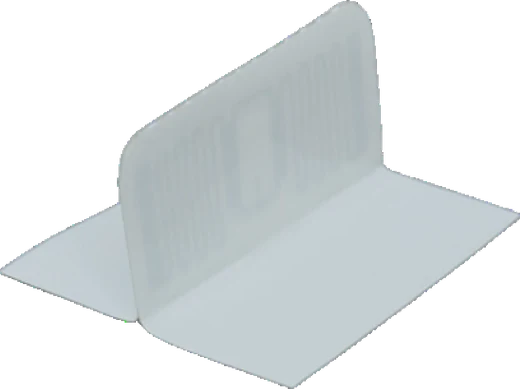 Labels for each surfaceChosen for metal, plastic or wood
- 3Audit
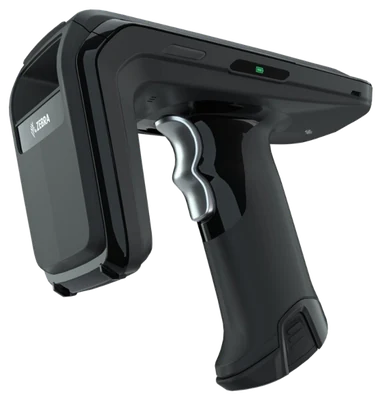 Handheld RFID readerRooms checked, loans signed to a person
- 4History
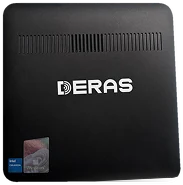 DERAS Box with the TUDI appOne record per asset: room, holder, audits
Every stage also needs
- Your asset list: numbers, rooms and holders
- Network where the readers sync
 DERAS, linking every stage
How a project runs
- 1Assess
Start from your current register: asset numbers, rooms and holders.
- 2Design
Choose labels for each surface; BLE where equipment moves between rooms.
- 3Supply & deploy
Print and fix the labels, then run the first audit with your team.
- 4Integrate
Connect through DERAS to your ERP or asset system, when you need it.
- 5Pilot & measure
Test in real rooms first; walls and metal cabinets change what a handheld reads.
- 6Support
Training, tuning after go-live, ongoing support.
Next step
Start with what you need.
Discuss an operational challenge with TUDI.